
Después del keynote, en Odoo Experience 2026 hubo sesiones de Reporting, Bank synchronization y Hidden gems. Abajo va lo que toca a contabilidad e informes, con el filtro Contaldia (España primero) y todas las capturas de esas notas. Sigue sin ser “Odoo 20 en producción en España”: es lo que vimos en Bruselas.
Reporting · Bank · Hidden gems
Brussels, 24–26 Sep
a user report in 20
(2.5 s in 19, session demo)
16:00 · Contaldia course
live walkthrough
Bank: more connectors, duplicates and pay from the bill
In 20 there are more connected institutions (the session slide says 200+, in 50+ countries). In Spain we will still check bank by bank: we do not treat CaixaBank, Sabadell or BBVA as covered until we try it on a live database.
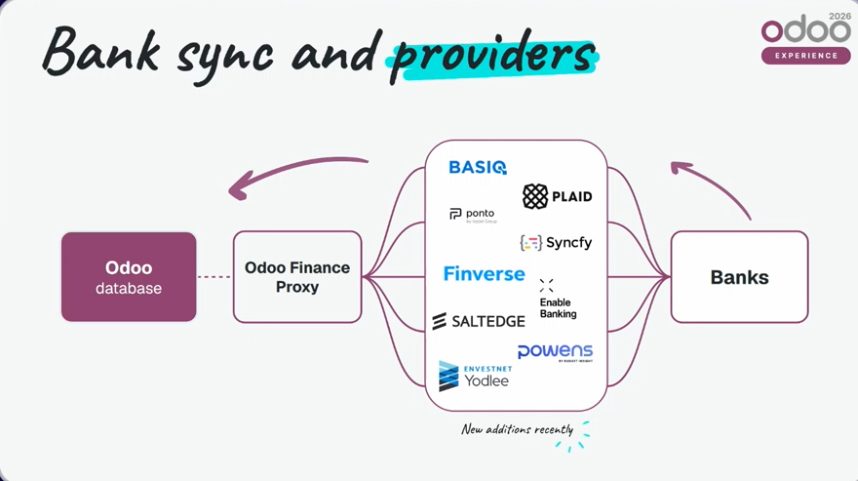
Bank synchronization: more connectors. Figures from the OX 2026 slide, not a Contaldia count.
If the statement arrives short, Fetch Missing Transactions recovers lines. If duplicates slipped in, Find duplicate transactions flags them and you can delete them by hand.
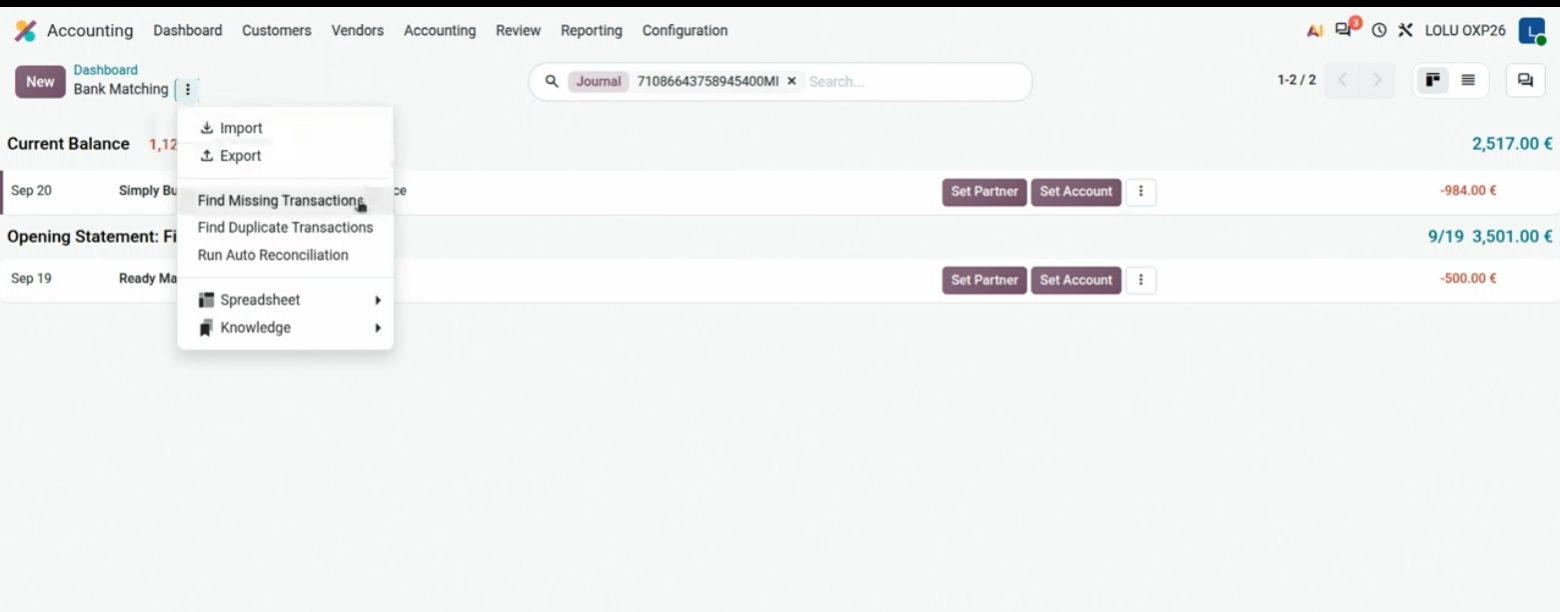
Statement menu: recover missing lines or find duplicates.
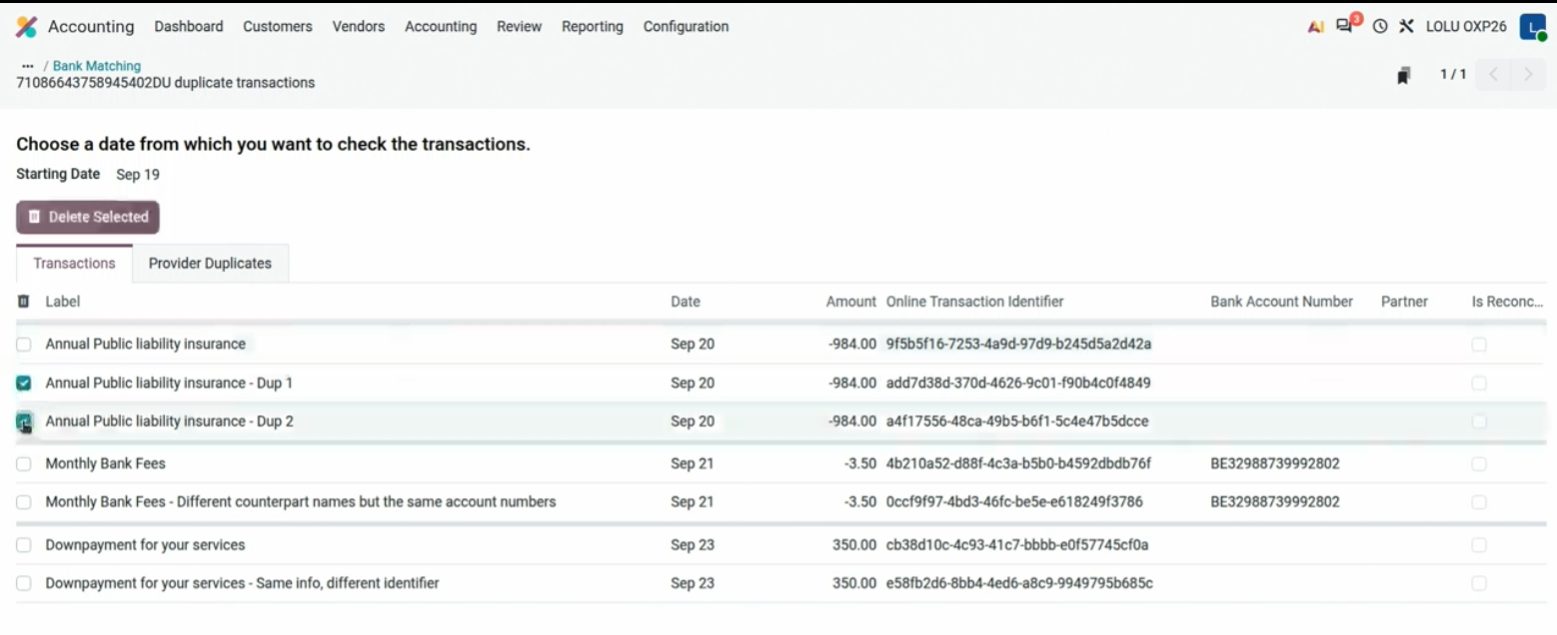
Duplicates selected for deletion. The demo is a Belgian bank.
Payments: Send to Bank uploads the SEPA remittance from Odoo. And from the bill itself, Register Payment in one click. The demo is KBC (Belgium). We will look at the Spanish circuit on 1 October; we do not treat it as identical.
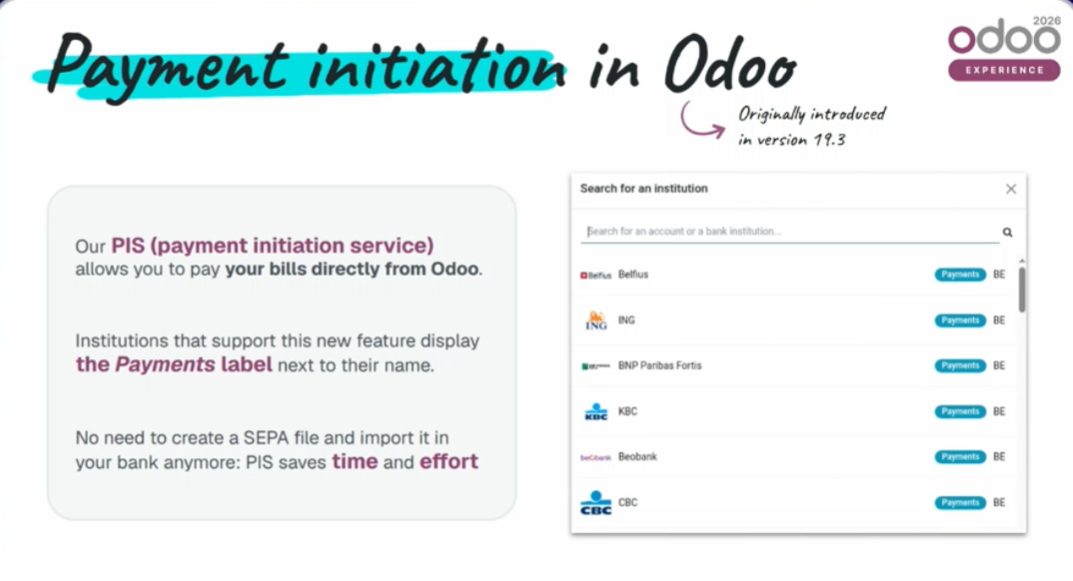
Send to Bank on a payment batch. KBC demo; the mechanism is what matters.
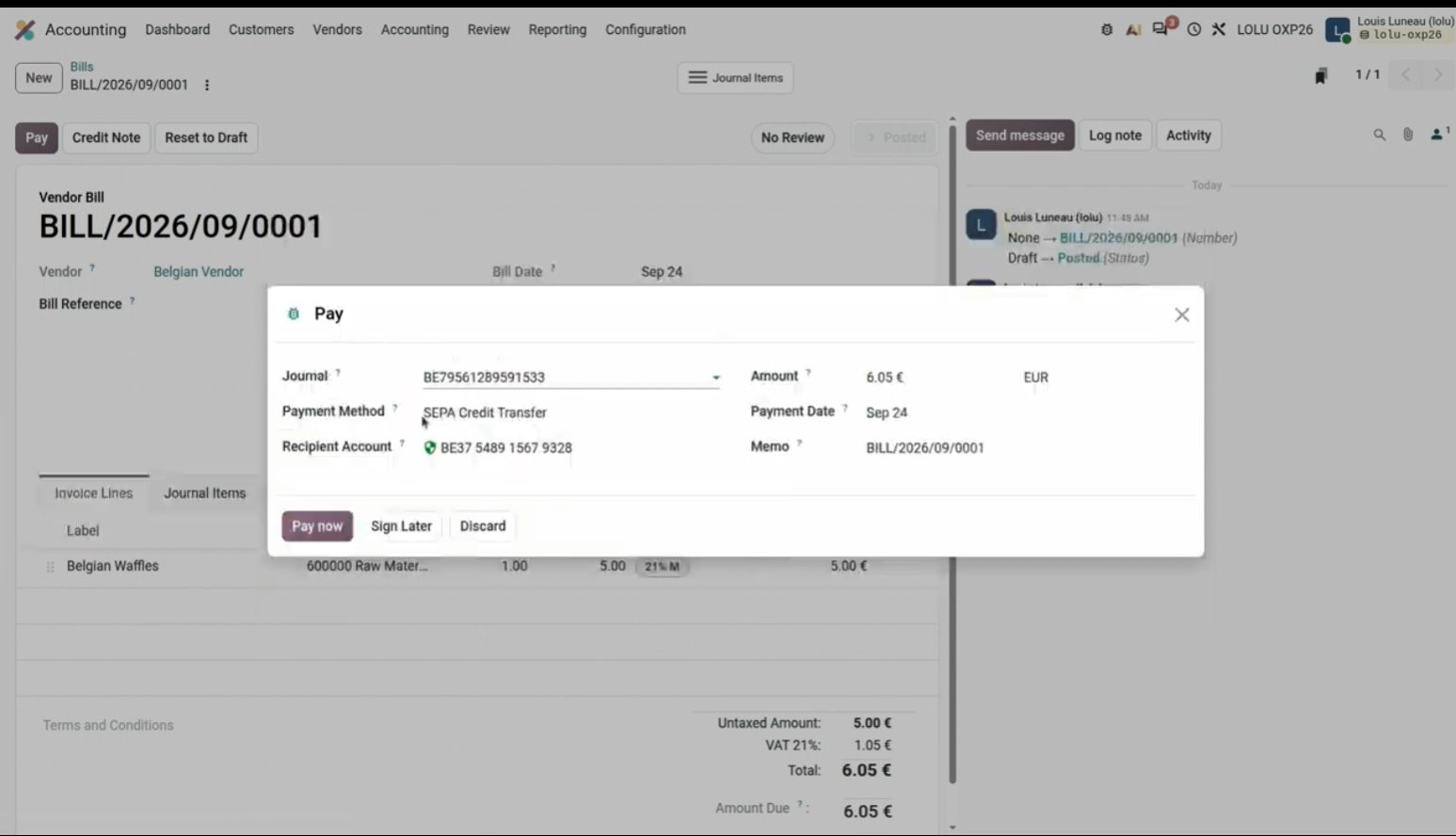
Register Payment from the bill, with account and method already filled.
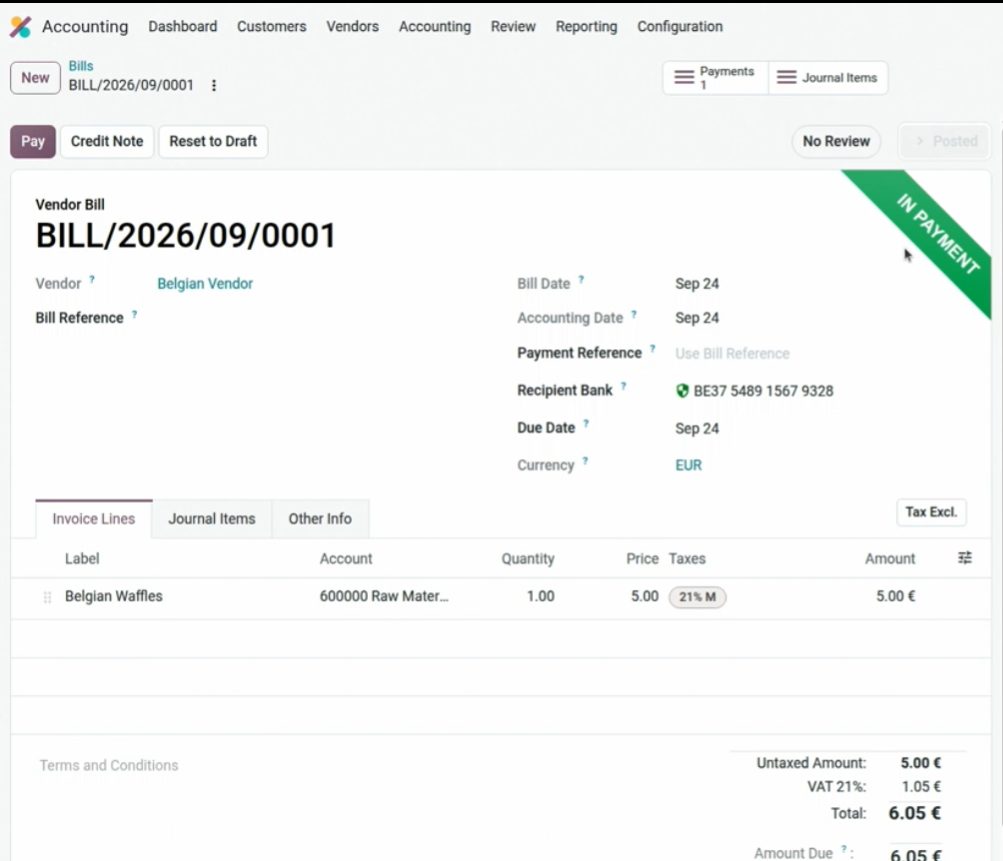
Pay now en la propia factura. Un clic; el banco de la demo es belga.
Documents, VAT, assets and sequences
Desde Documentos se pueden hacer muchas cosas: crear la factura y editar las acciones (enviar, crear factura de proveedor, mover el PDF a otro sitio de Odoo). Útil para centralizar la documentación en el ERP.
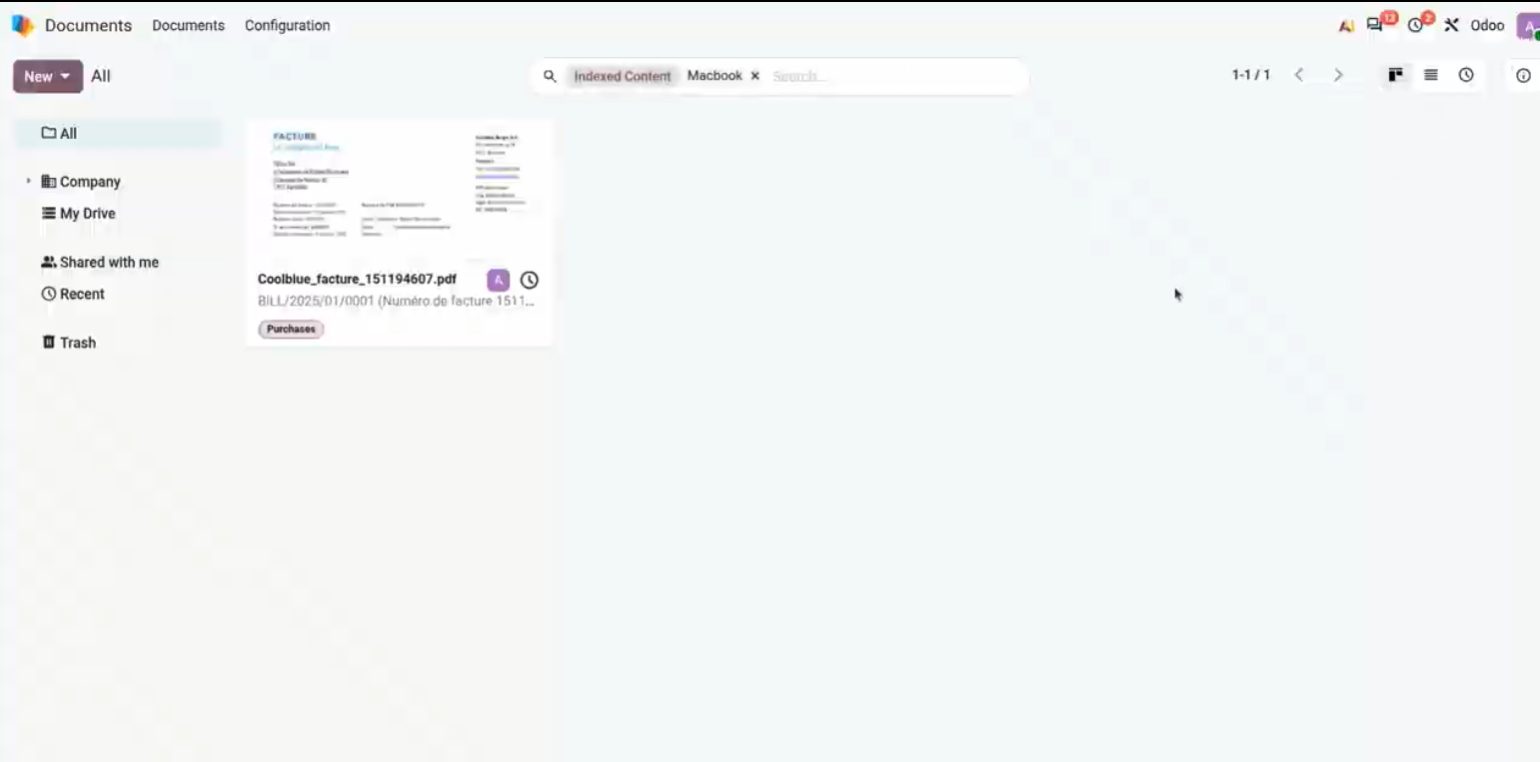
Documentos: el PDF de la factura ya está en Odoo, listo para una acción.
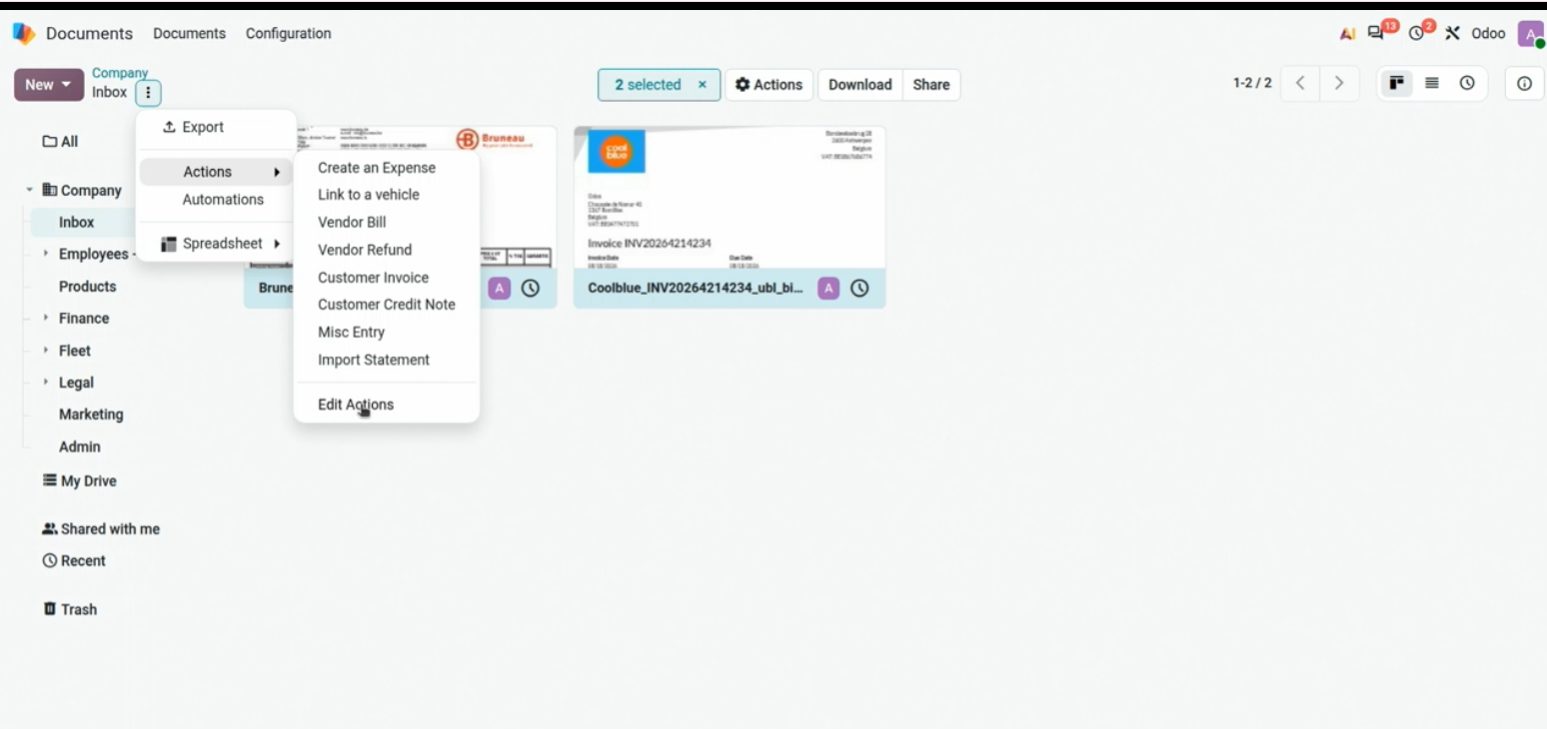
Actions on a PDF: Send, Create Vendor Bill, and the rest of the circuit.
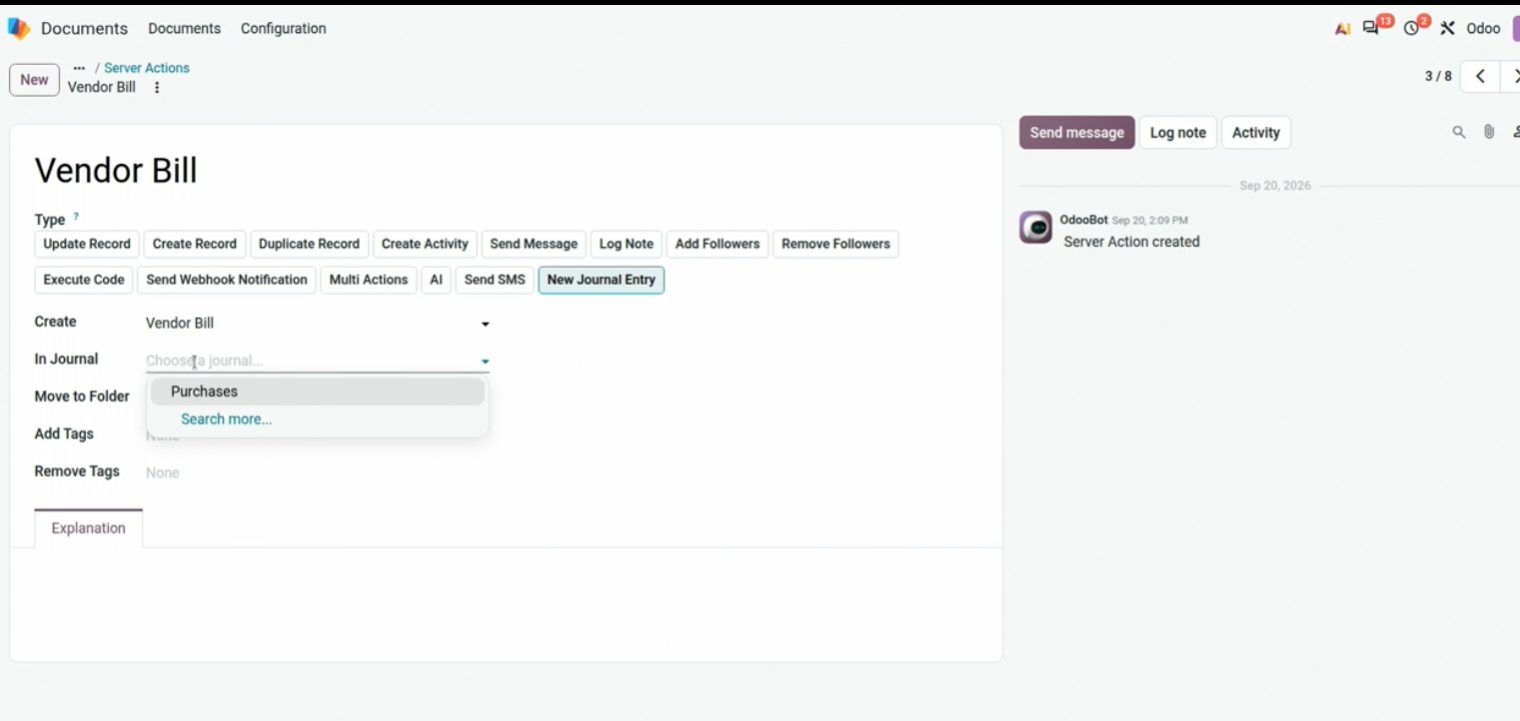
Edit Actions: eliges qué pasa con ese PDF y a qué carpeta o proceso va.
In the purchase invoice, lines can be grouped by VAT type.
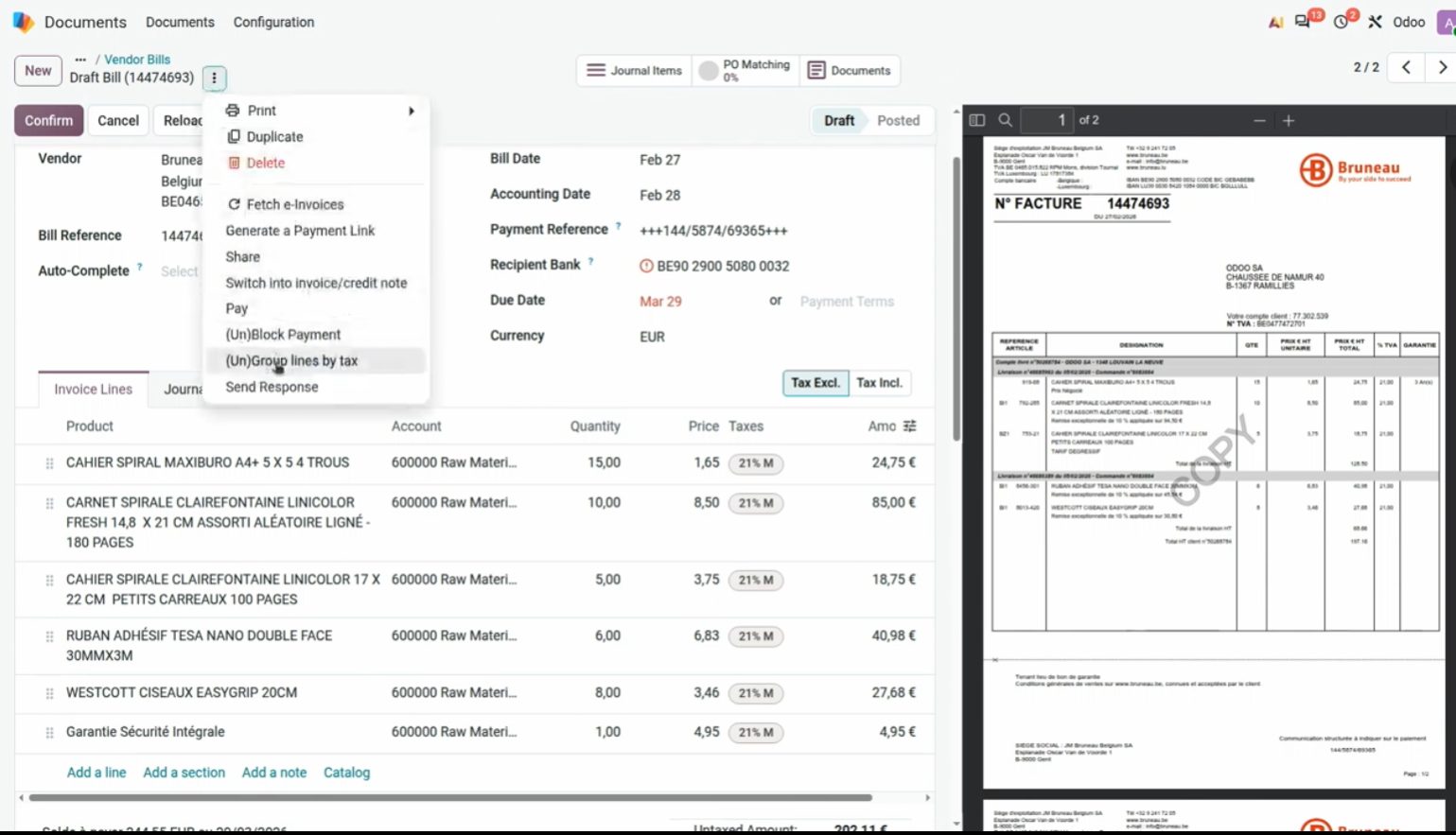
Group by taxes on the vendor bill. Hidden gems, OX 2026.
Desde la factura abres Journal Items, ves el asiento y lo partes (Split) en varias líneas. Sirve para crear un activo por unidad, sin rehacer la factura a mano. En la demo: una línea de 10 unidades de mobiliario a 1.049 € (cifras de la sesión).
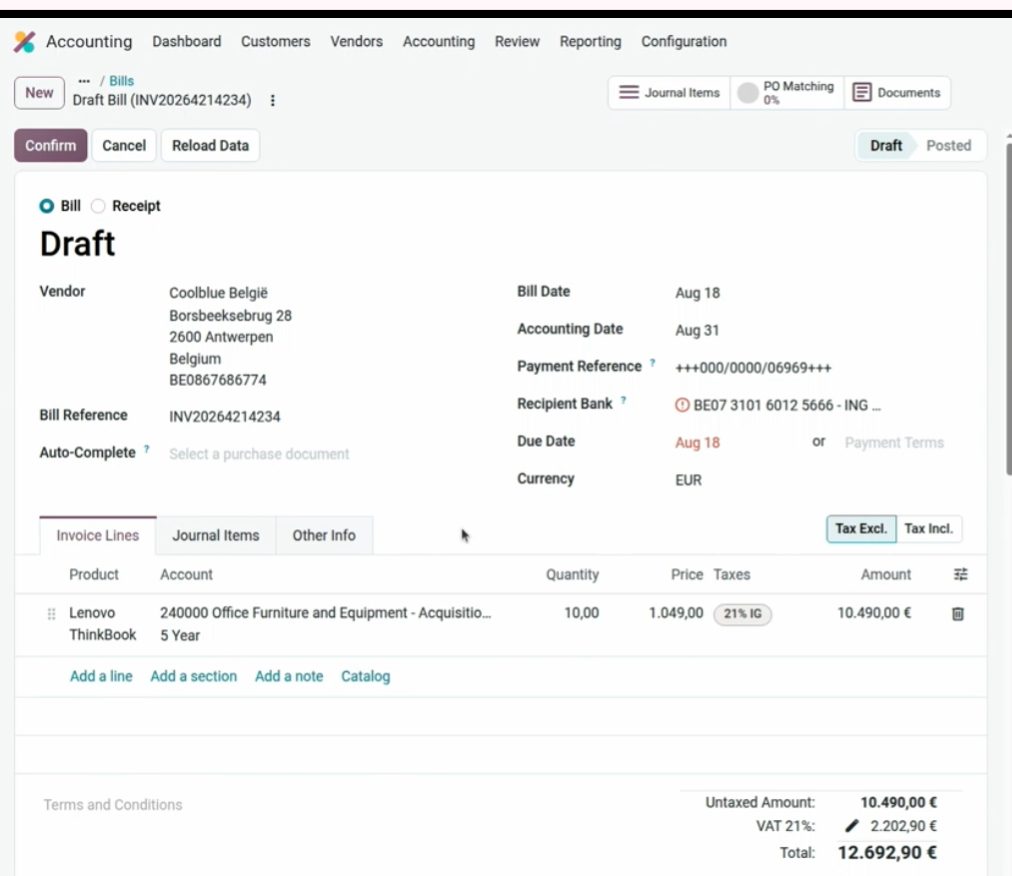
Factura demo: 10 × Lenovo / mobiliario. De aquí se parte el apunte.
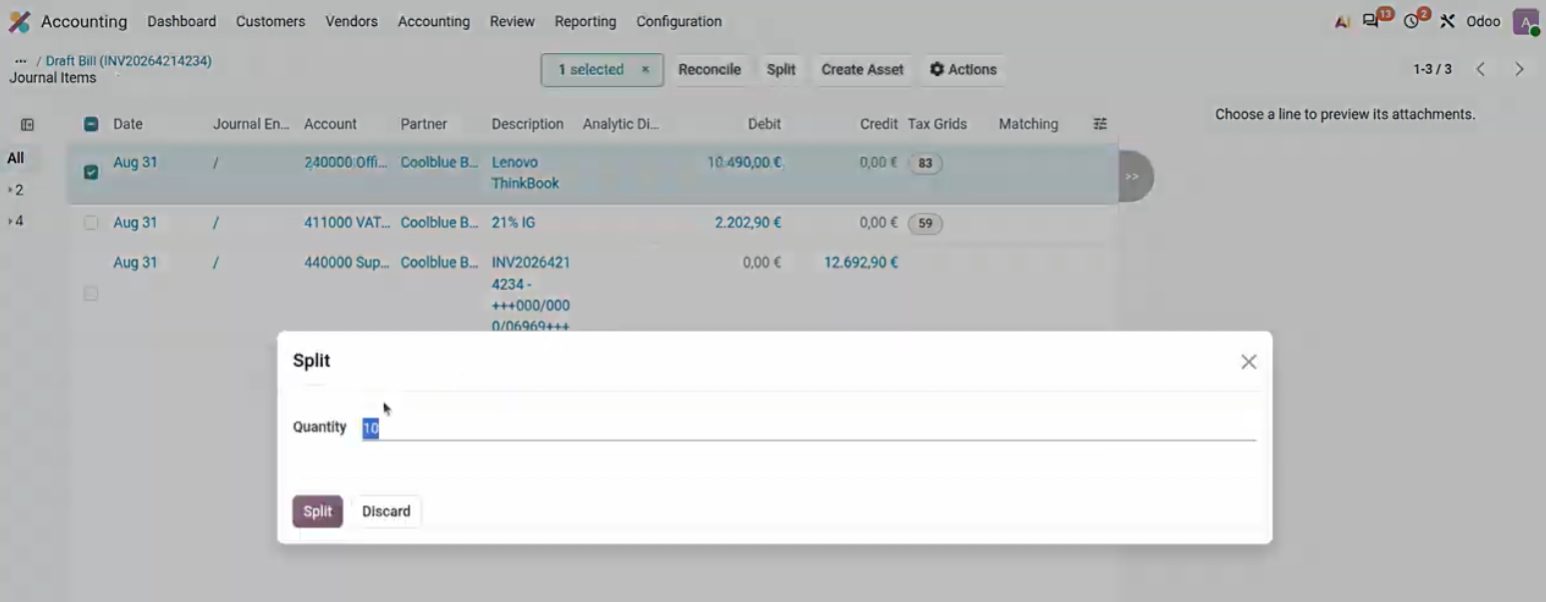
Split: indicas la cantidad y Odoo parte la línea.

Split into 10: de una línea de 500 € a diez de 50 €, listas para Create Asset. Cifras de la demo.
El tablero de compras avisa de irregular sequences. En facturas de proveedor un hueco no es ilegal, pero para resecuenciar hace falta modo desarrollador y Resequence (ya existía en versiones anteriores).
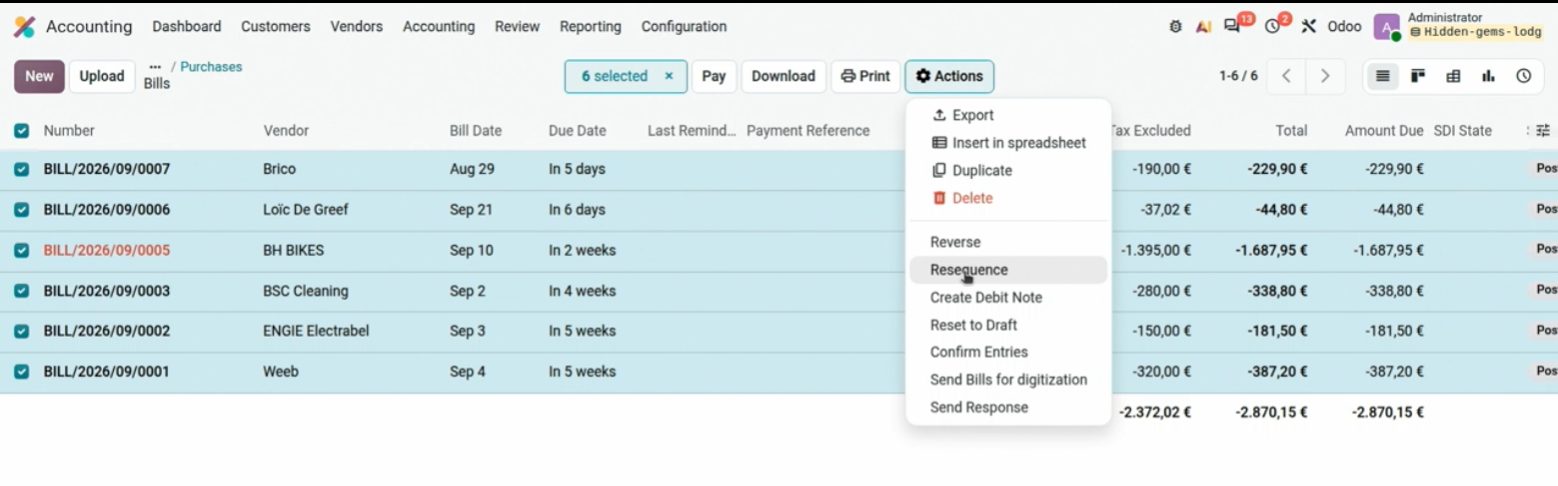
Irregular sequences on Purchases. The gap is a vendor gap; it is not a 347.
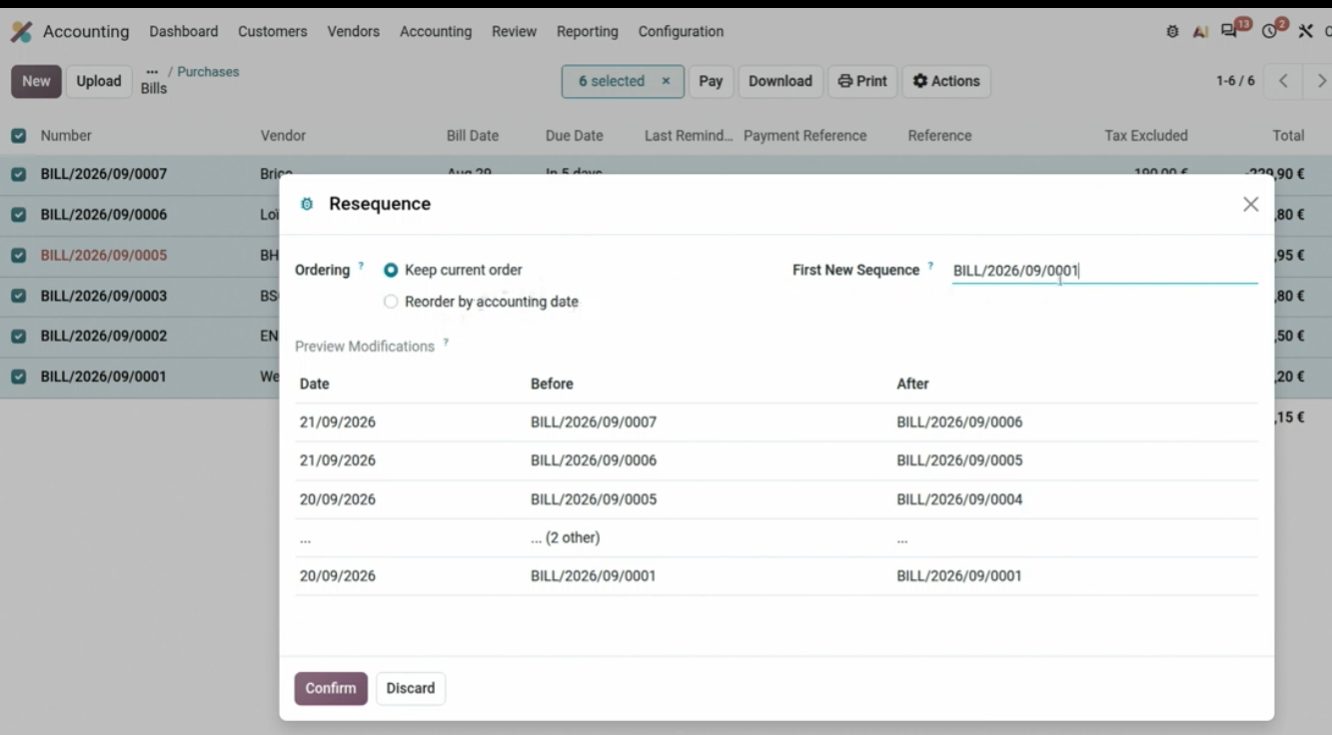
Resequence: first number and start date. Developer mode.
Cambio de periodo o de fecha en lote: seleccionas apuntes y Actions → Change Period. Muy útil para mover facturas mal contabilizadas en trimestres o periodos ya cerrados.
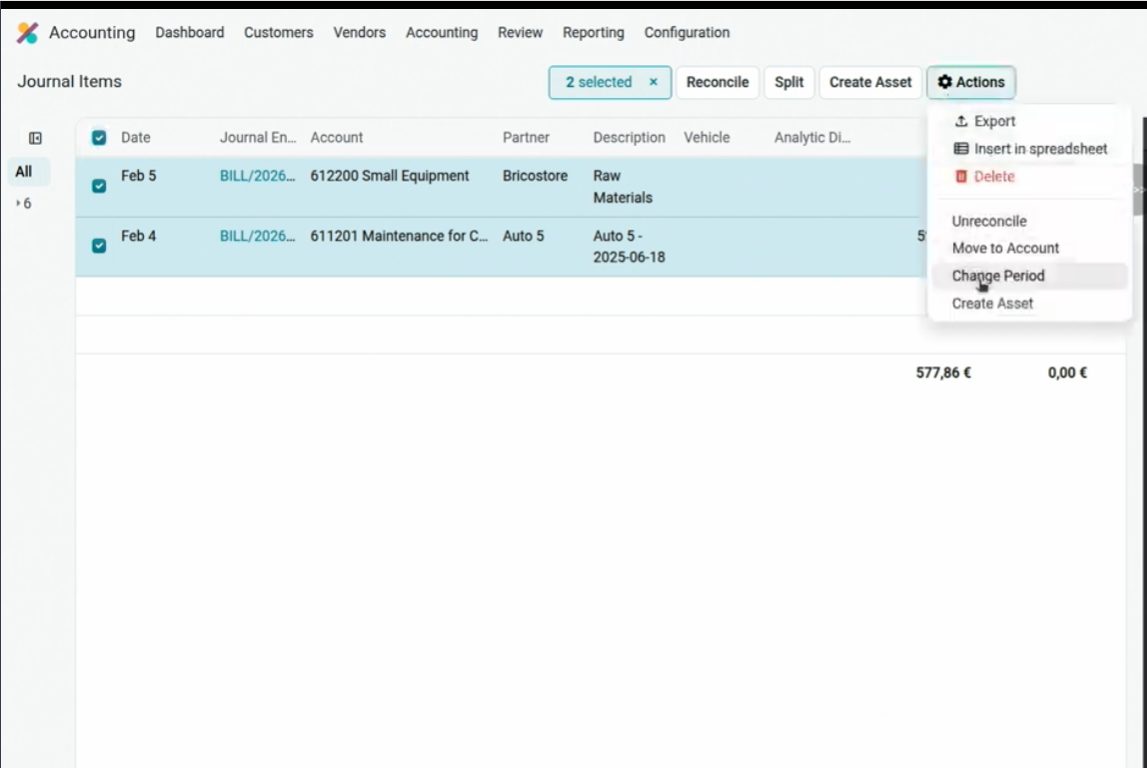
Change Period on two journal items. Hidden gems, OX 2026.
Reconcile every bank on one screen
Accounting → Reconcile junta los extractos pendientes. Auto-reconcile existe; hay que parametrizarlo bien o mezcla lo que no debe. Es útil y lleva varias versiones. Personalmente me gusta más banco por banco y al día, para no acumular ni hacer conciliaciones masivas que se cuelen con error.
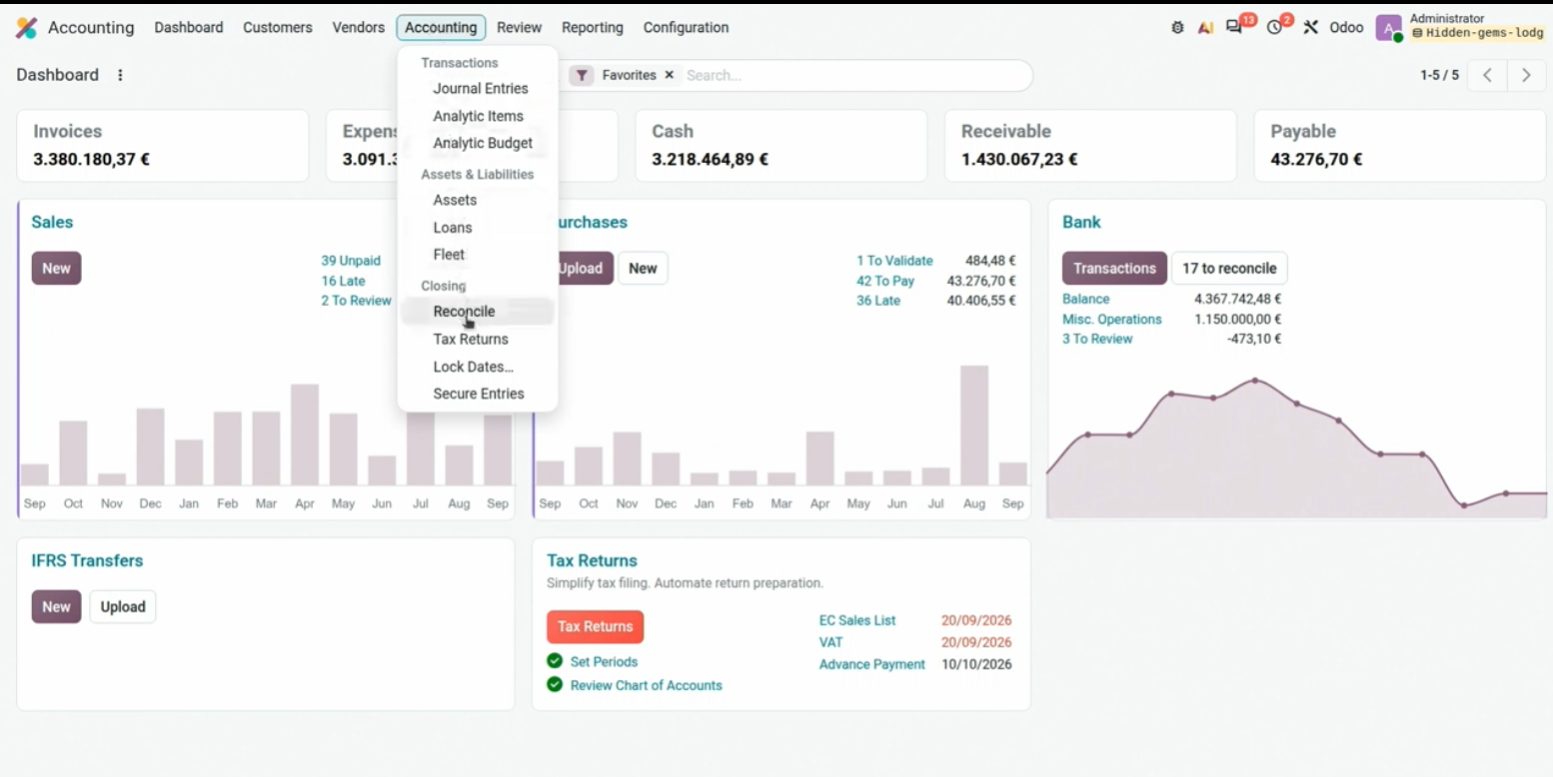
Reconcile: several bank journals in the same view, with Match.
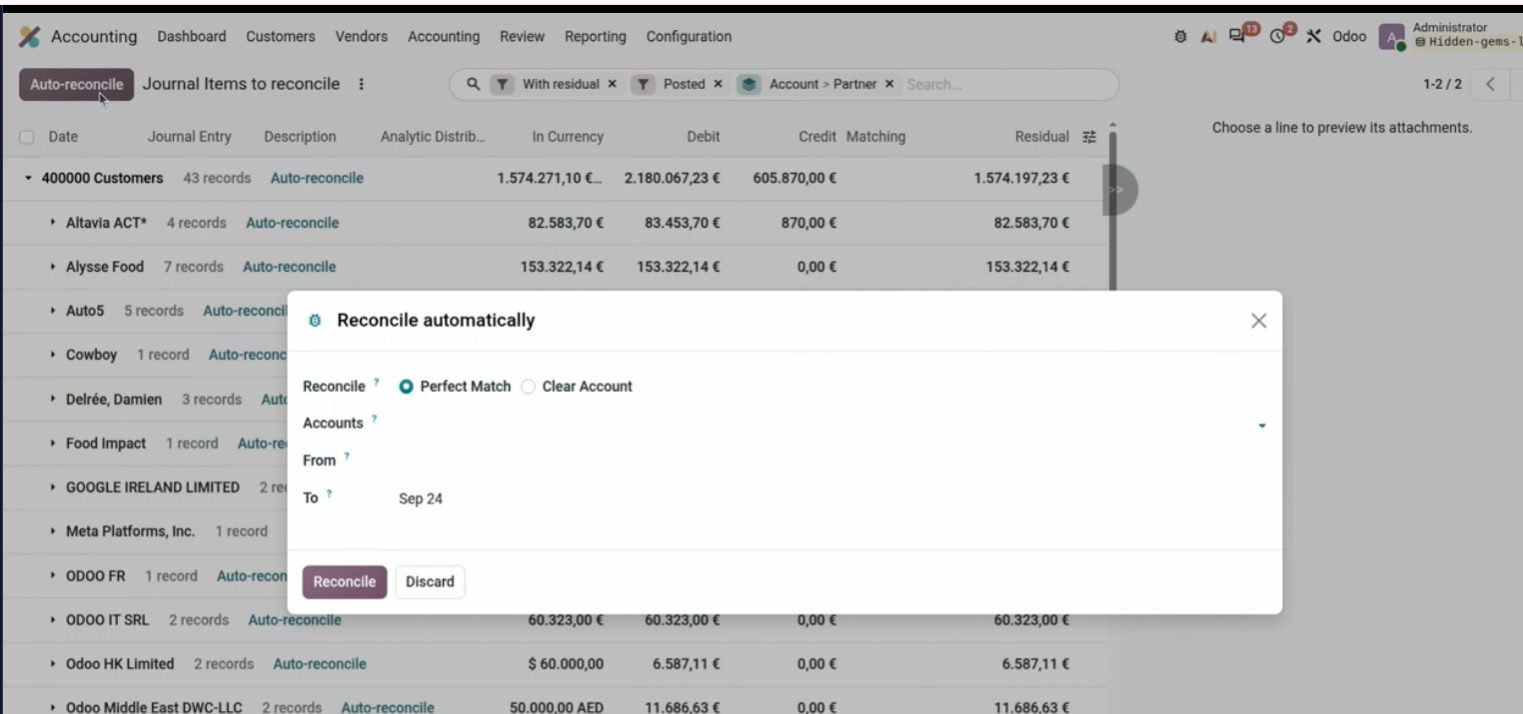
Auto-reconcile. Use it with clear rules; not blindly.
Taxes of another country, compared P&L and mismatches
Al crear un impuesto de otro país, Odoo ofrece instalar el paquete entero de ese país. Evitamos crear impuestos a mano y errores de mapeo en informes.
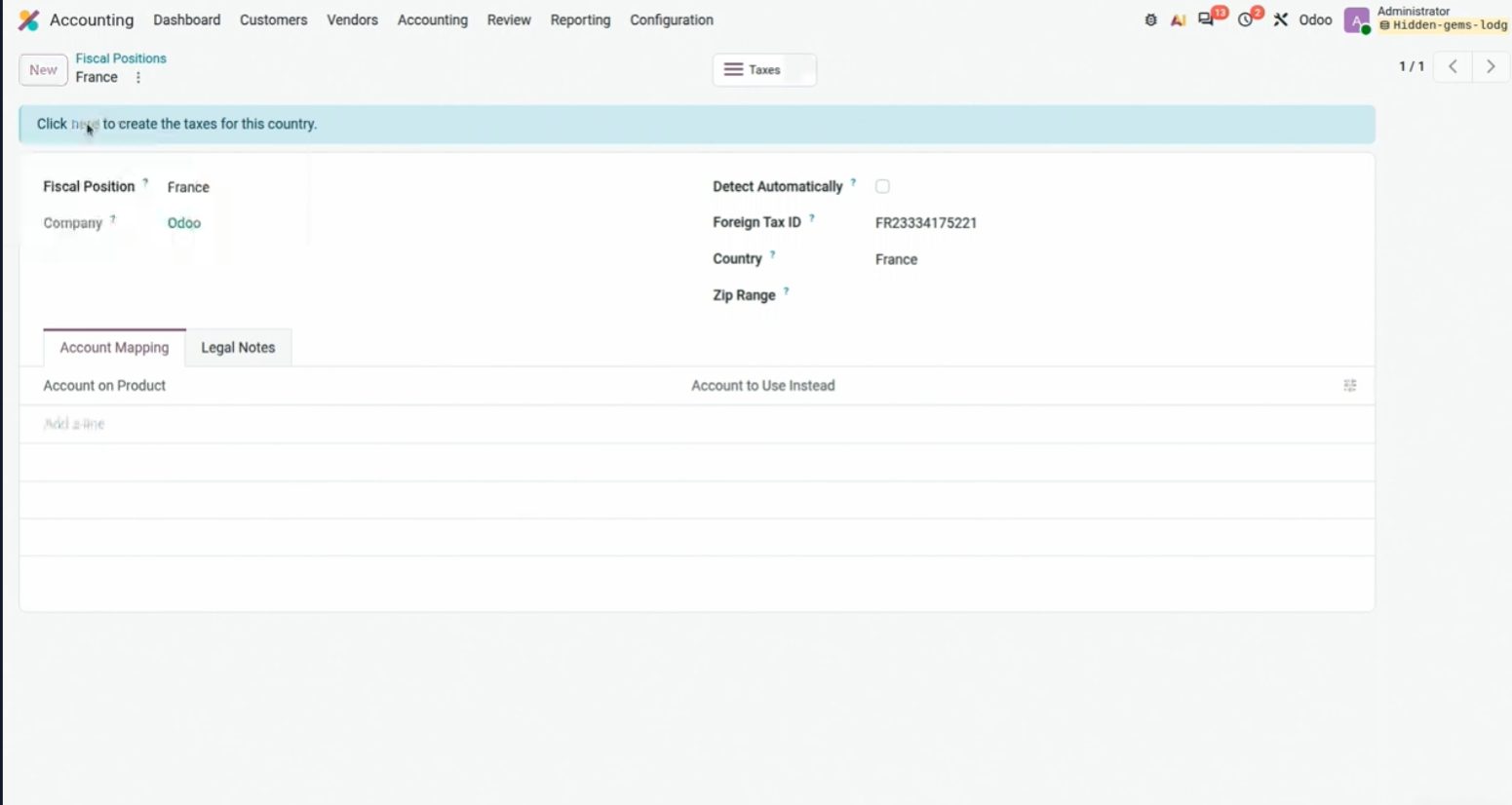
Create Luxembourg Taxes. The pattern applies to any localization country.
El PyG compara por importe y por porcentaje (Horizontal Analysis). El engranaje de la derecha abre la configuración del informe sin salir de la pantalla. Desde ahí también filtras por analítica.
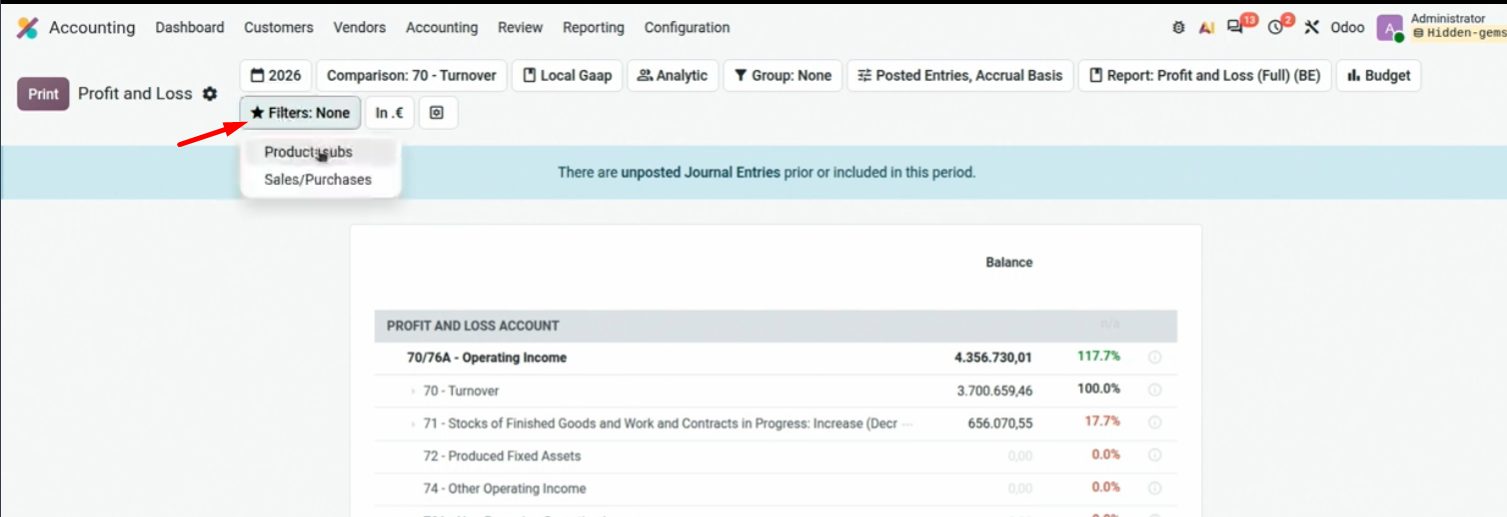
Comparison + % of a column. Demo figures.
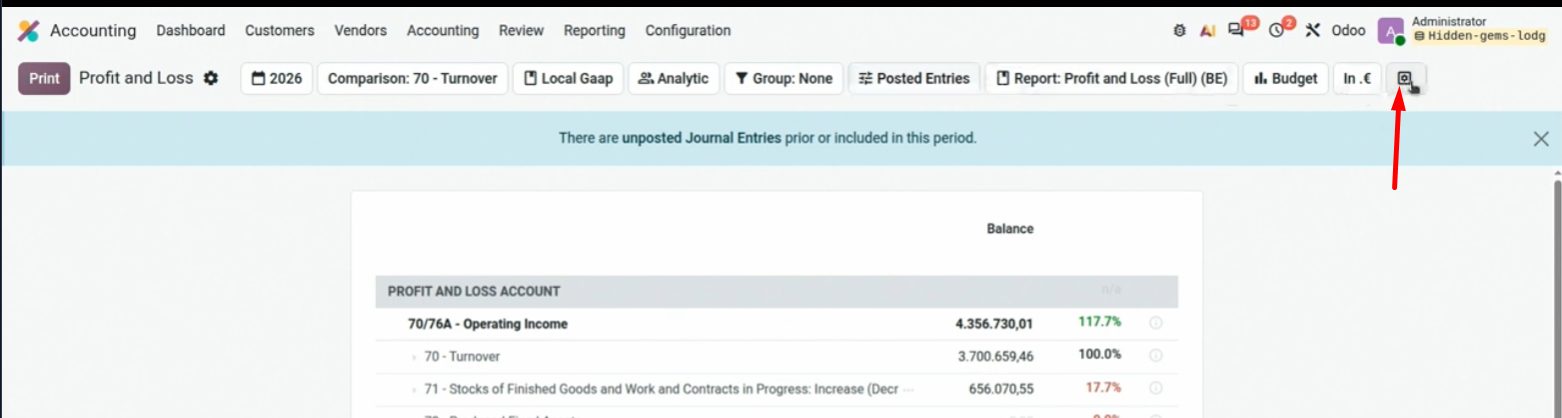
El engranaje (arriba a la derecha) abre la ficha del informe.
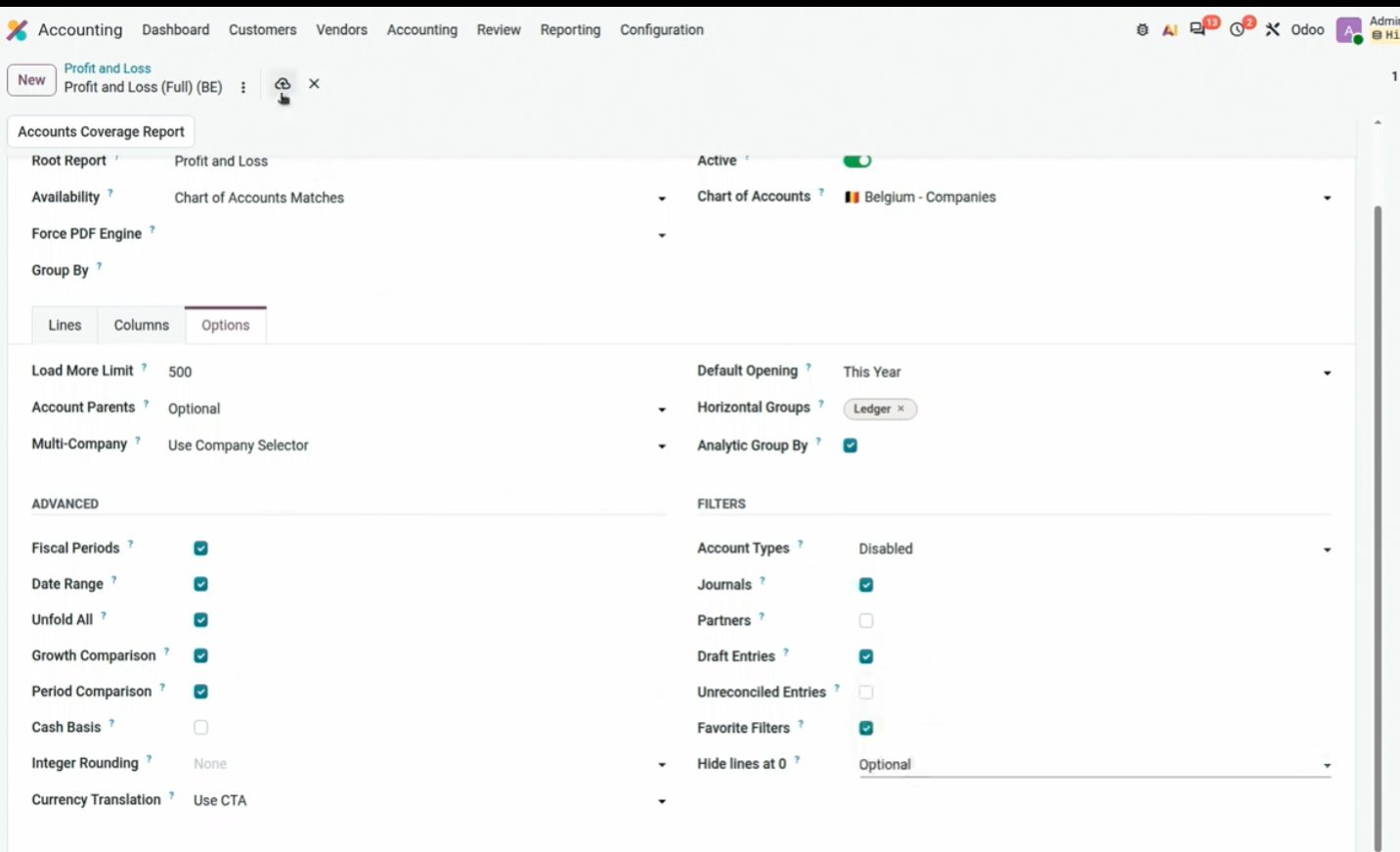
Opciones del informe: columnas, analítica, cobertura de cuentas, comparaciones.
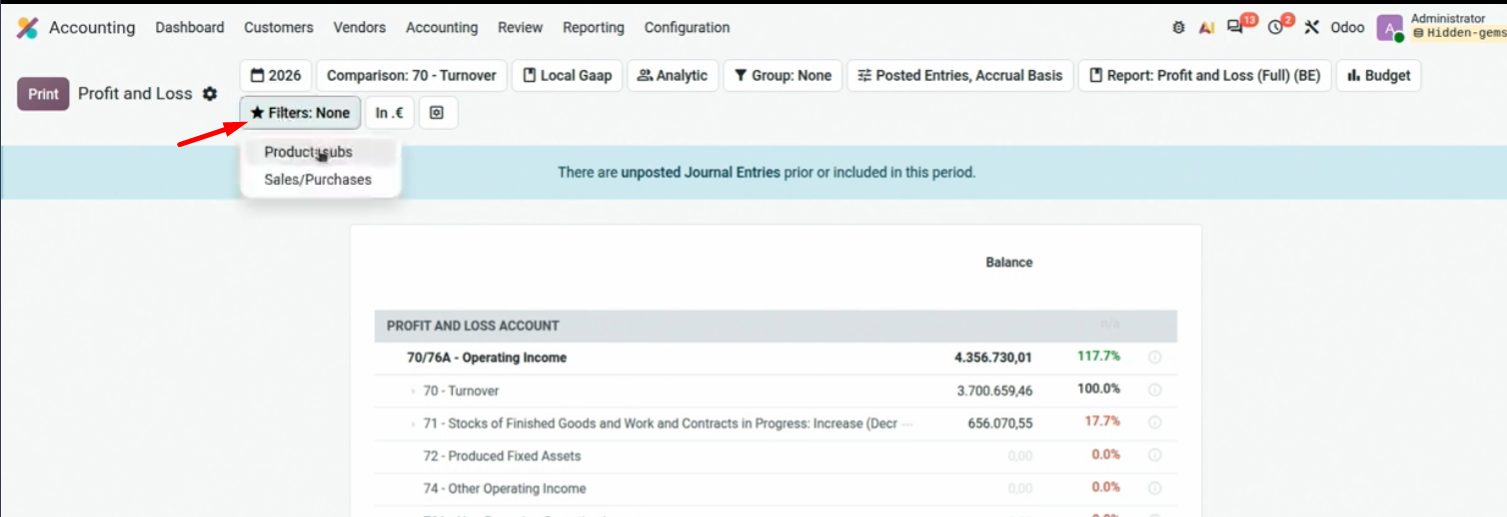
Filtro analítica (Sales, Purchases…) sin salir del PyG.
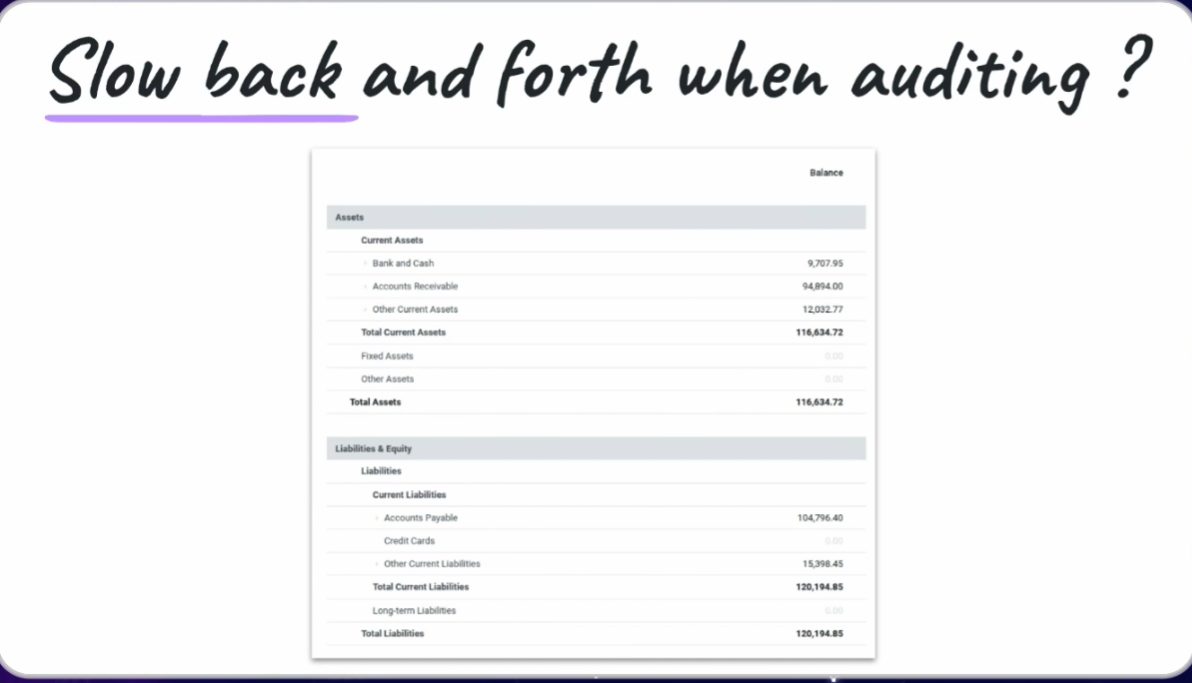
If the Balance Sheet does not balance (assets ≠ liabilities), there is almost always a chart account not mapped in the report. Accounts Coverage Report marks them in red. Contaldia advice: fix the account number so it fits the PGC; do not twist the report.
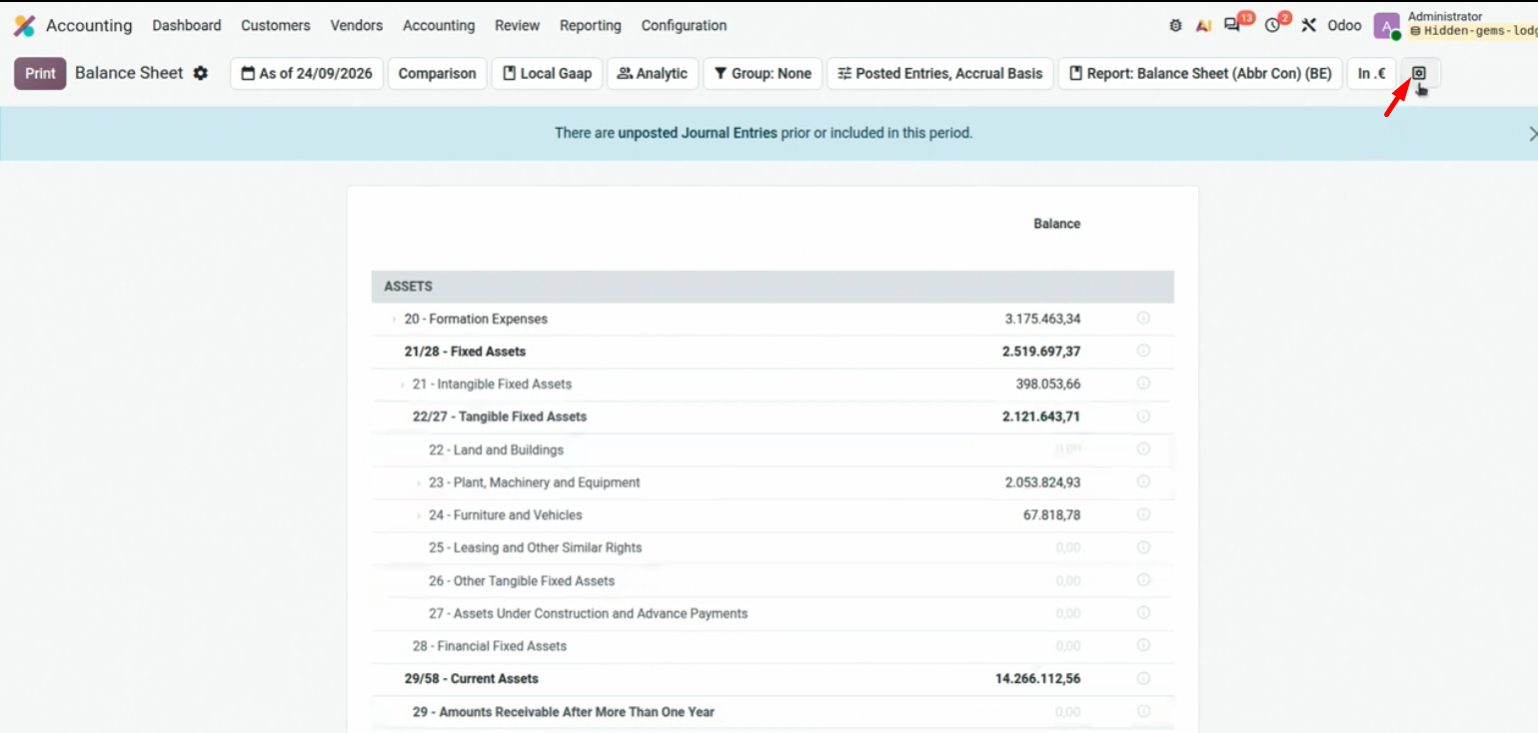
Unbalanced: the report itself warns and links to coverage.
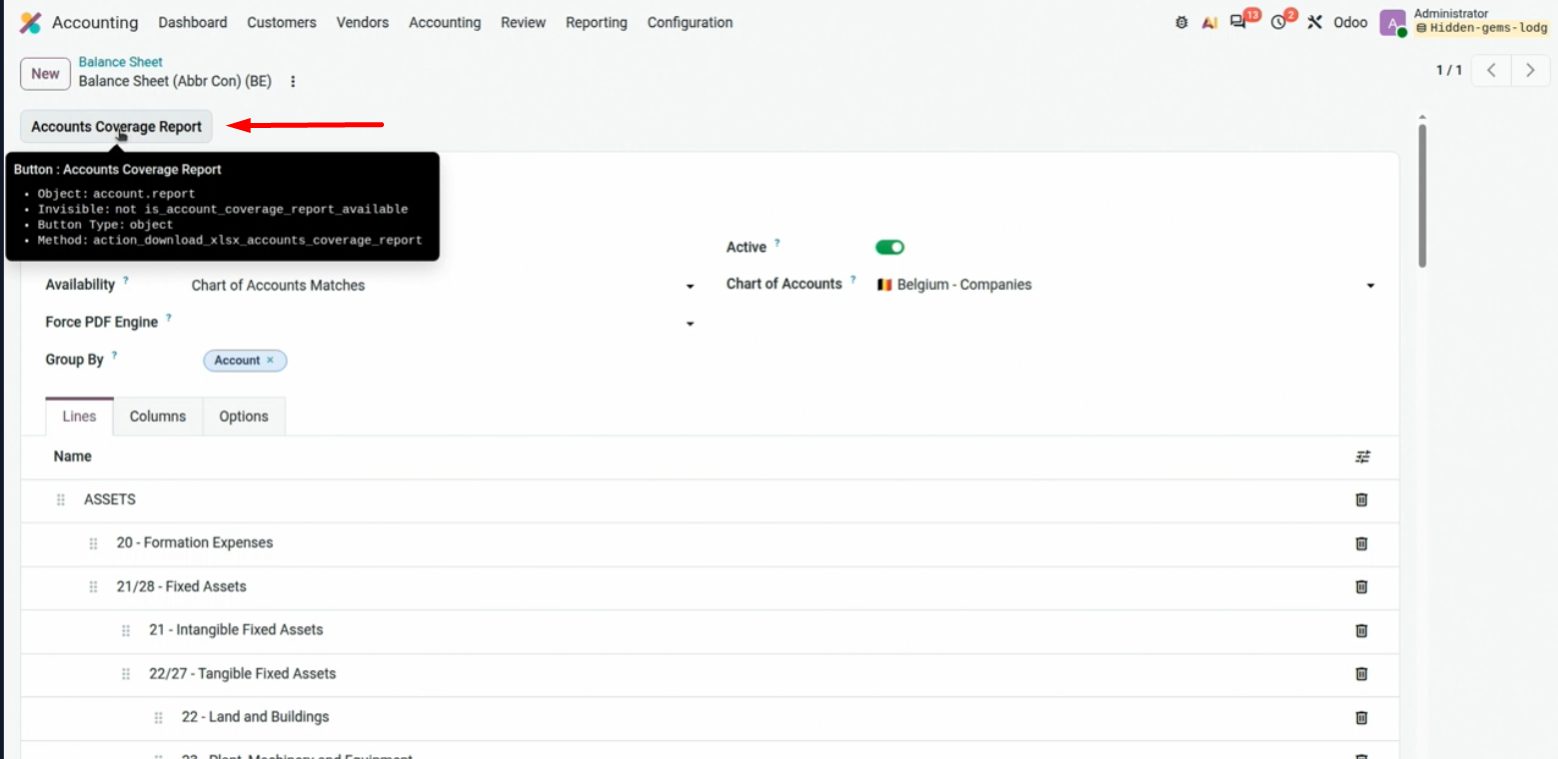
Accounts in red: they are on the chart and not on the Balance Sheet. Map them or renumber them.
Informes compuestos: Contabilidad → Configuración → Accounting Reports → New, marcas Composite Report, añades los que quieres (Add Sections) y los subes al menú. Varios informes con un clic.
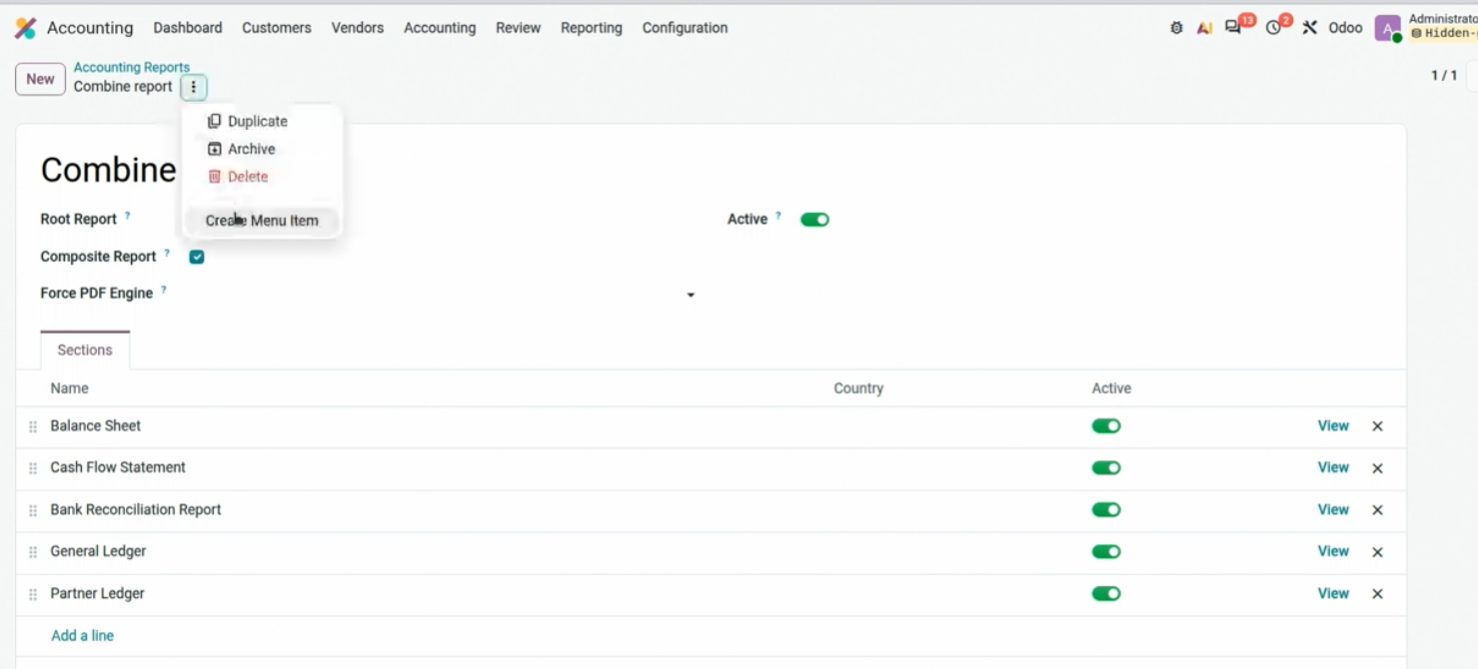
Composite Report: several reports in one, then Add to menu.
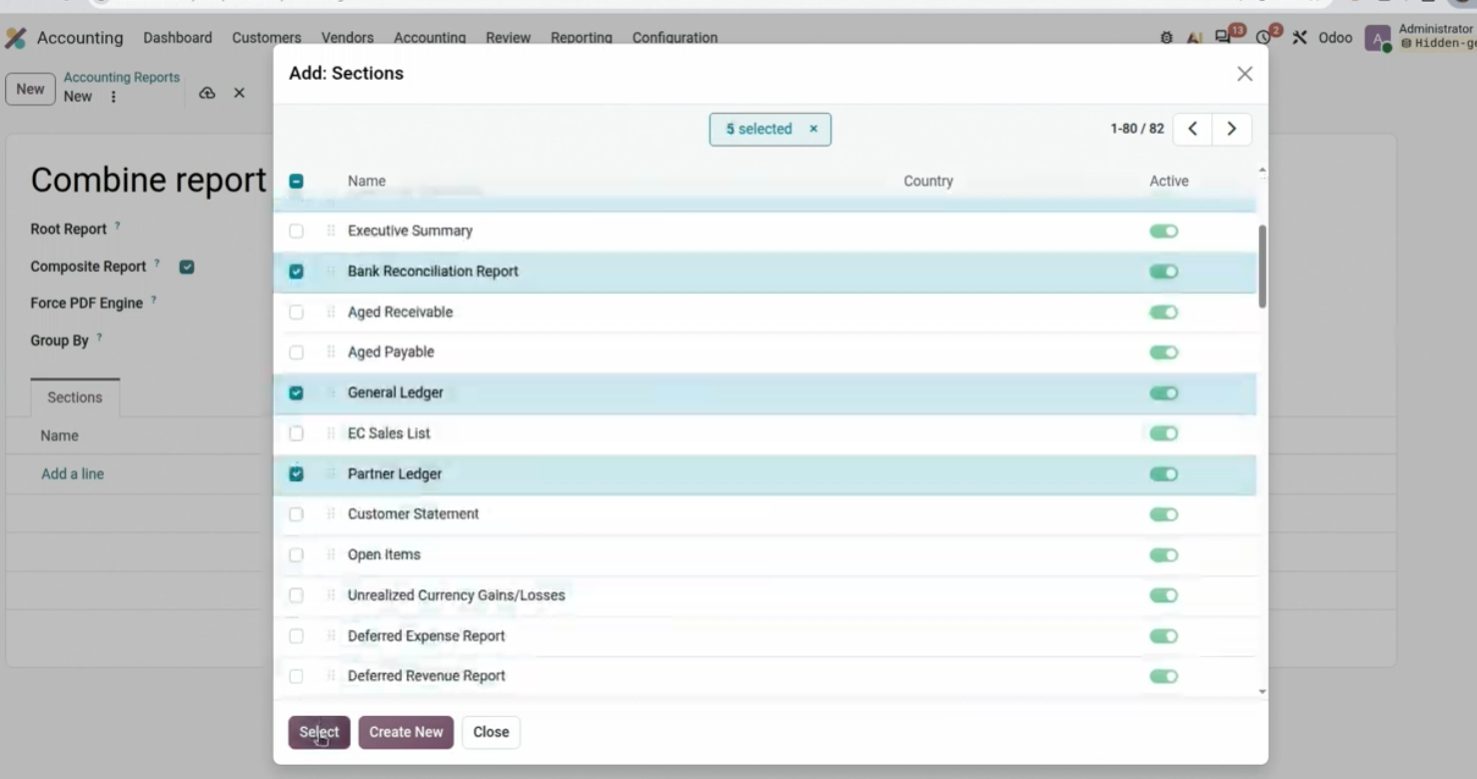
Add Sections: Bank Reconciliation, Aged Receivable, General Ledger…
Spreadsheets, % search and mass edit
Desde un informe se inserta una tabla pivote en un spreadsheet de Odoo. El tablero sigue siendo una hoja dentro del ERP, no un Excel huérfano. Ya existía; sigue siendo muy útil.
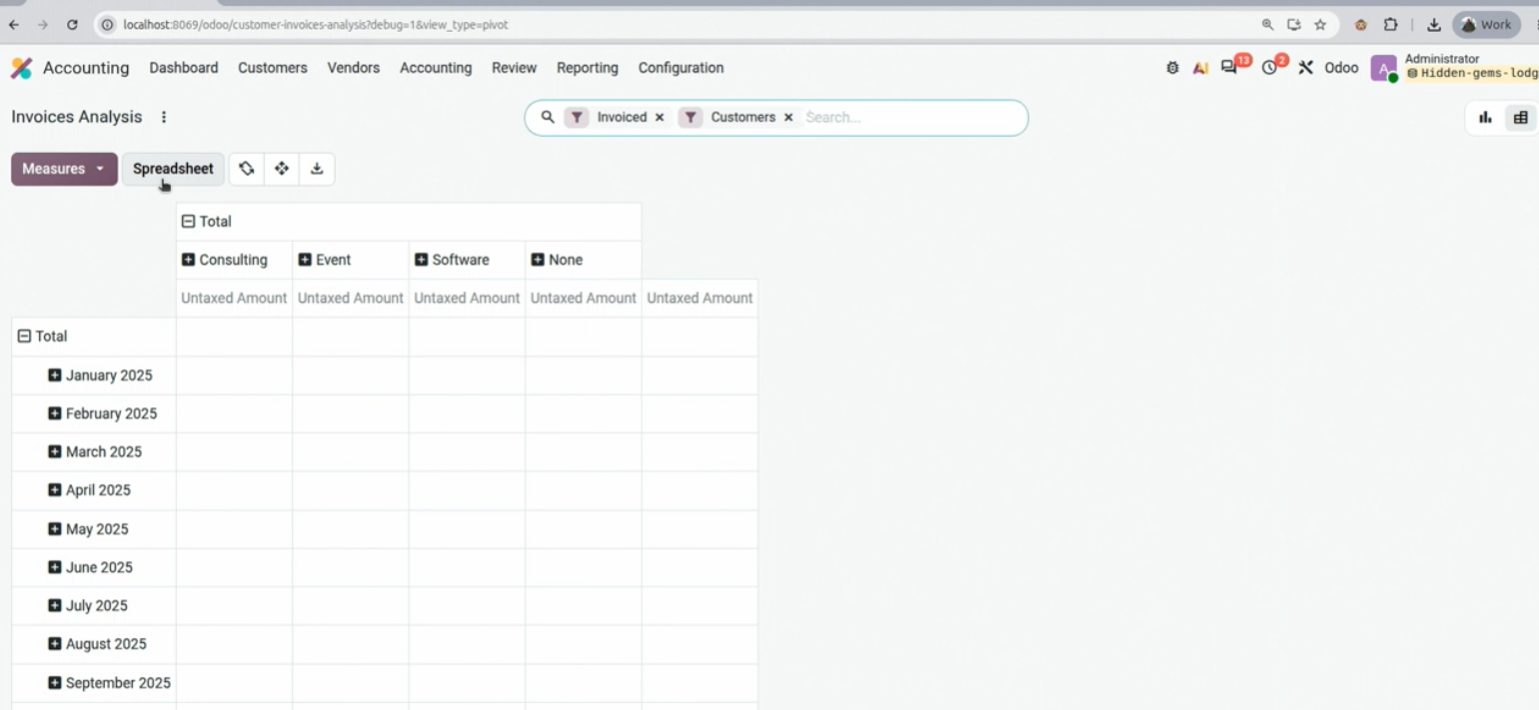
Insert in spreadsheet → Pivot. It also works for a list of bills.
Y también desde un listado cualquiera de facturas, cuentas o lo que quieras: Actions → Insert in spreadsheet.
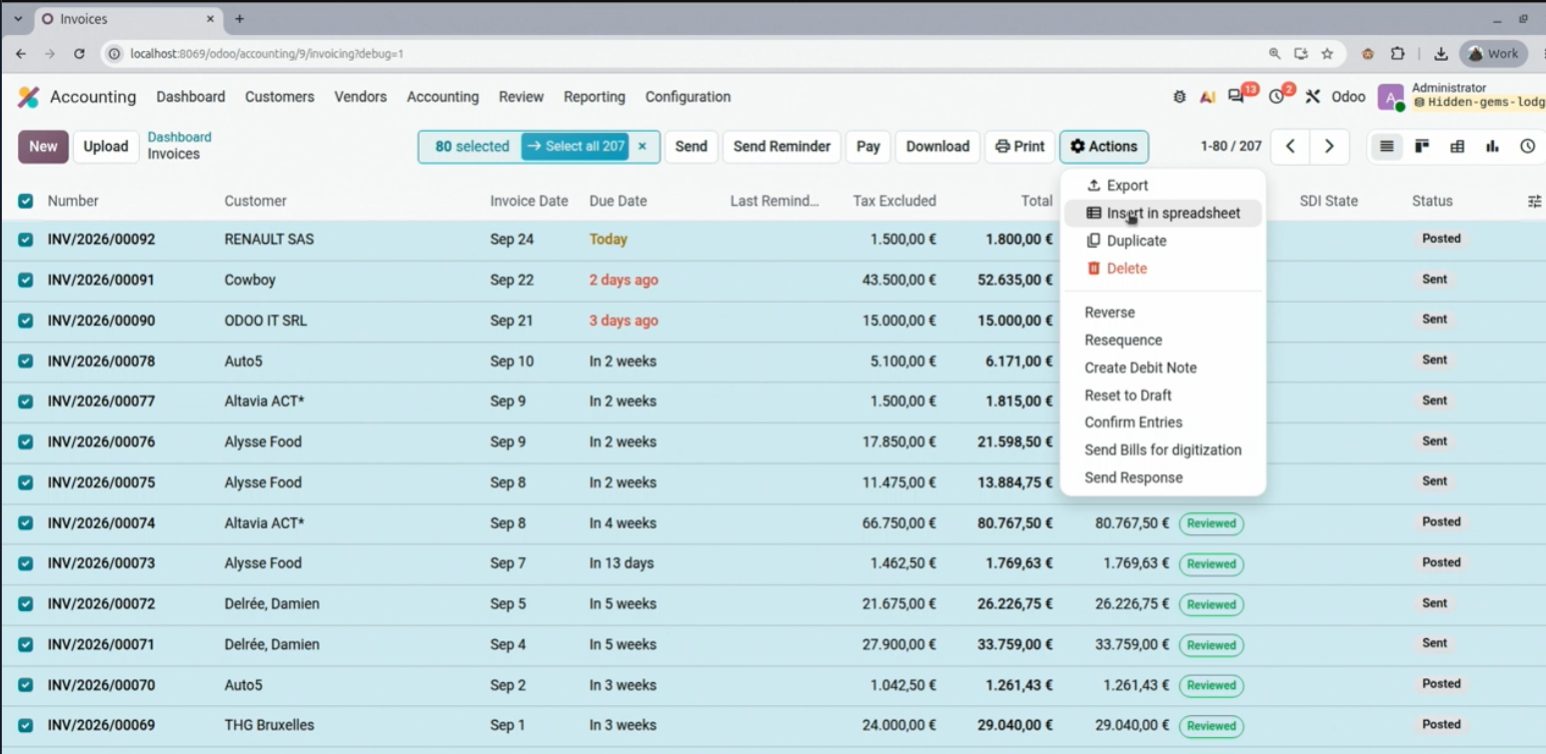
Listado de facturas: Insert in spreadsheet. El Excel vive dentro de Odoo.
Dos trucos que no salieron en OX 2026 y uso cada día. El % en el buscador omite lo que hay entre dos palabras: útil para contactos o productos con nombre largo.
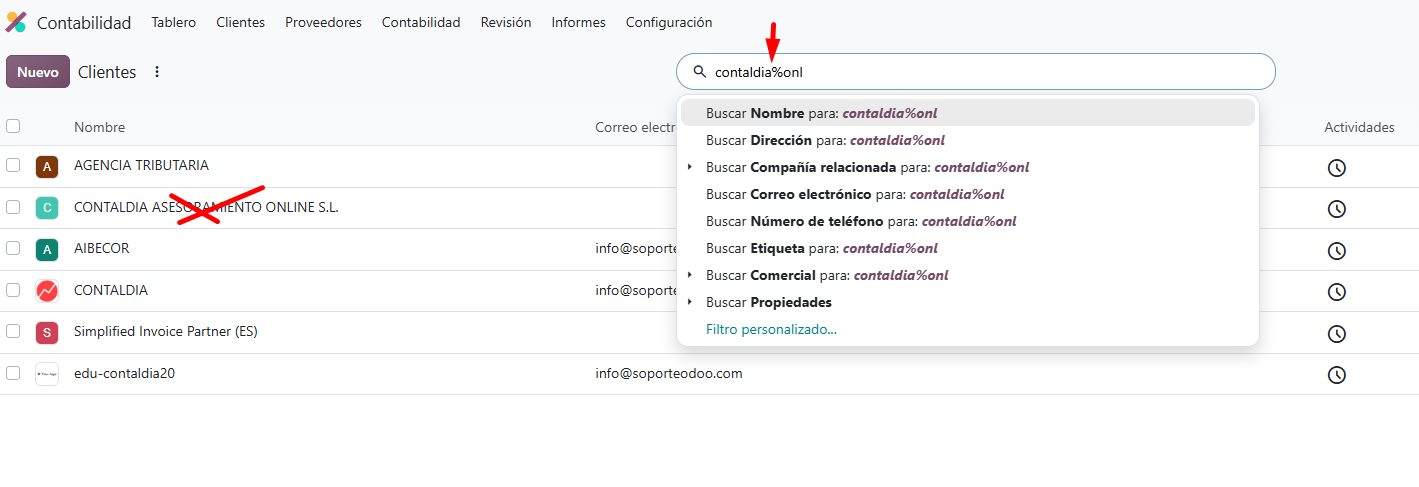
contaldia%online finds Contaldia Online Consulting. The % omits the word in the middle.
Y el cambio masivo: si seleccionas varios apuntes (o facturas) y cambias la cuenta en la lista, se aplica a todos. Cuentas, analítica y más, sin entrar de uno en uno. Truco de contabilidad Contaldia.
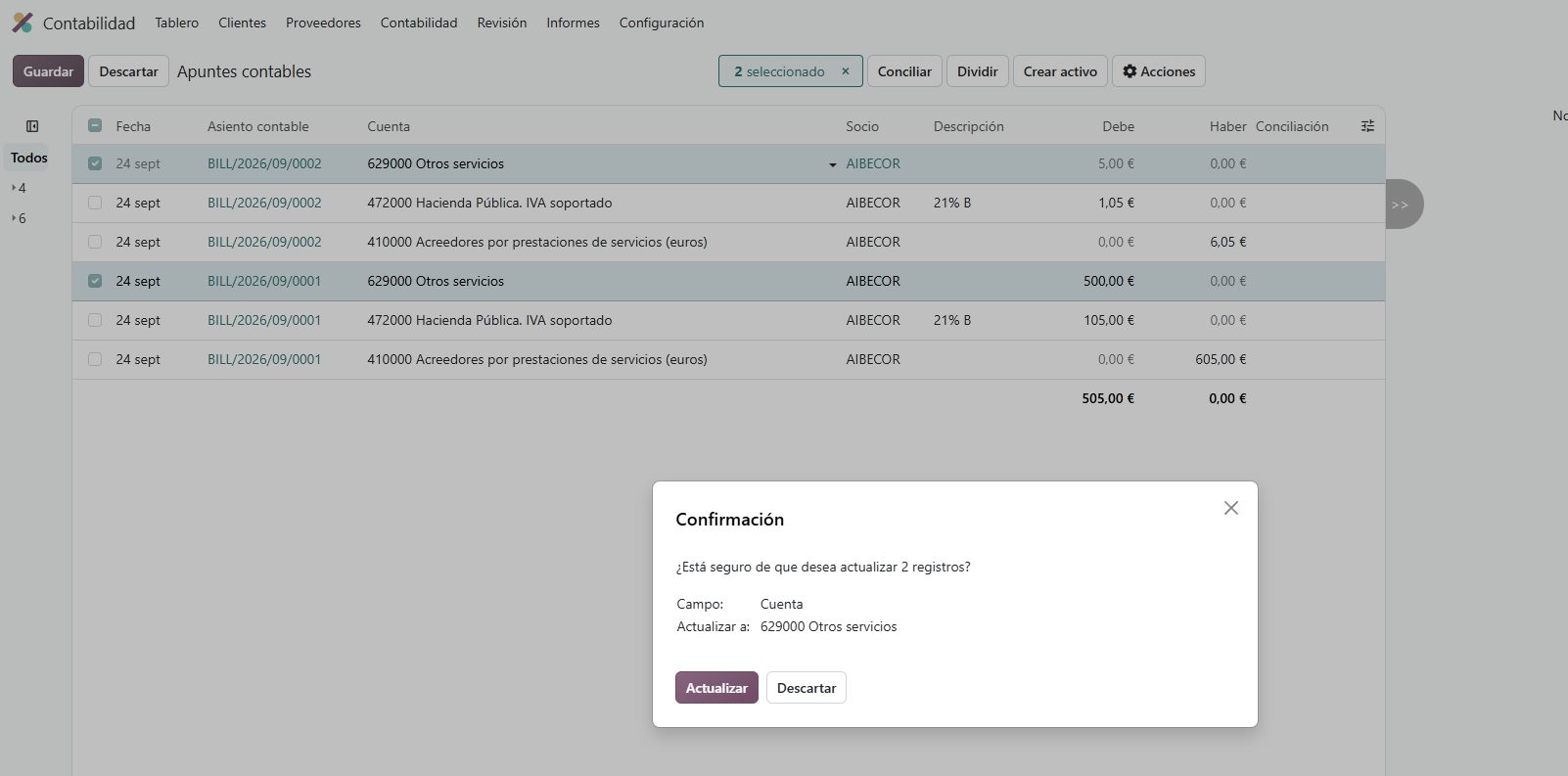
Several journal items selected: change the account in the list and it applies to all.
Reports: more columns, faster
The Balance Sheet in 20 has more columns than fitted in 19: before/after, debit and credit, percentage of a column, and a Load more to add others. Less parallel Excel for the same cut.
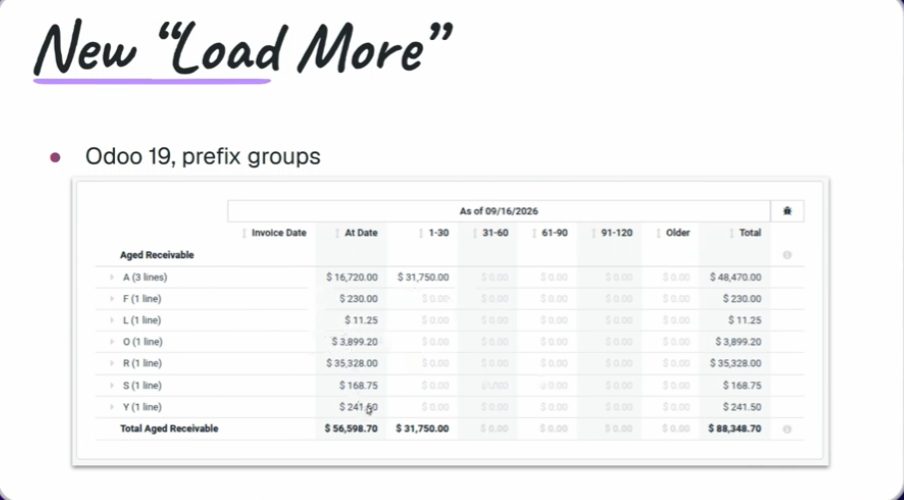
Load more, arriba a la derecha. Sesión Reporting, OX 2026.
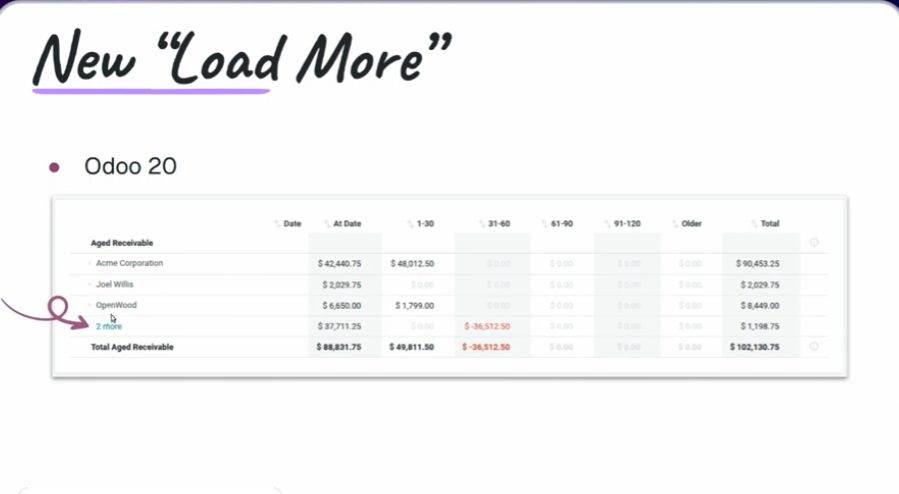
Misma consulta: en 19 se quedan columnas fuera; en 20 caben. Captura de la sesión.
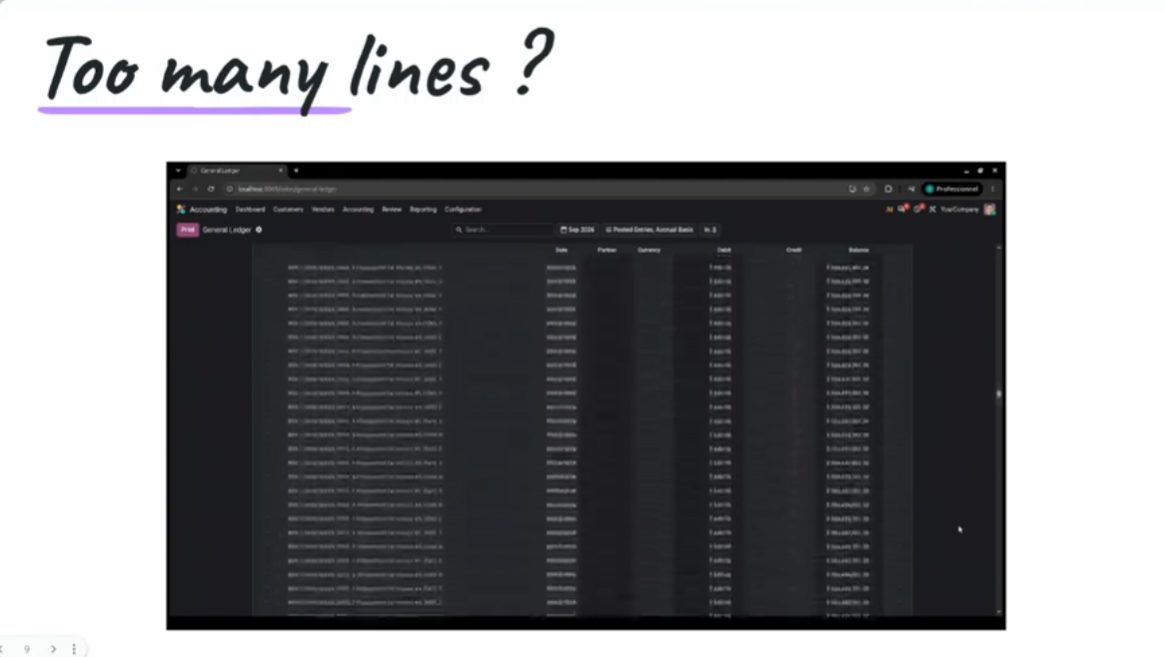
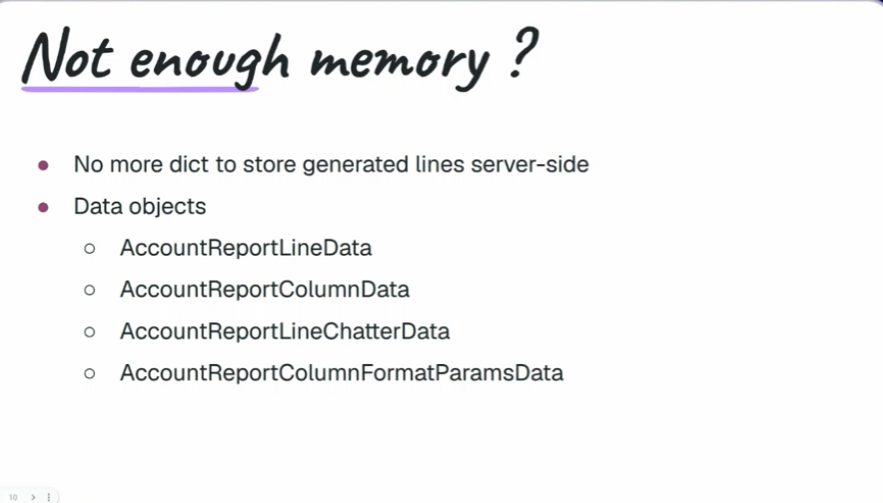
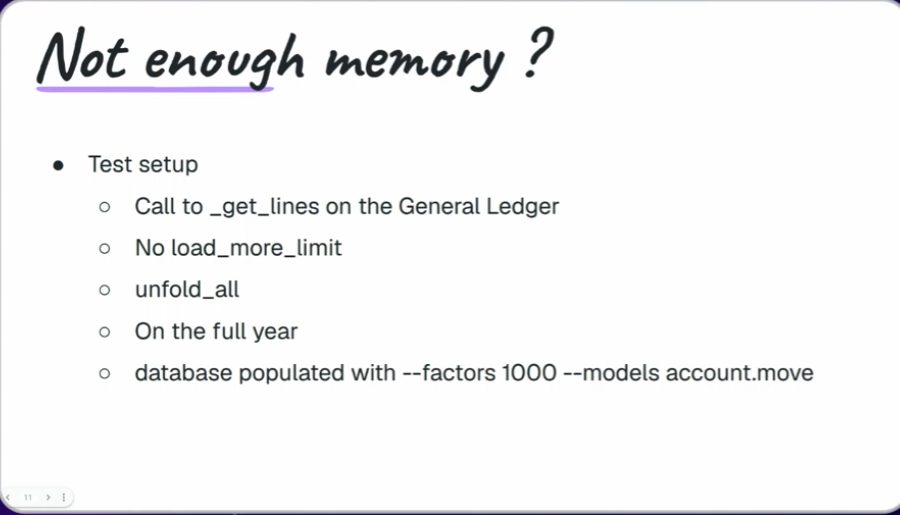
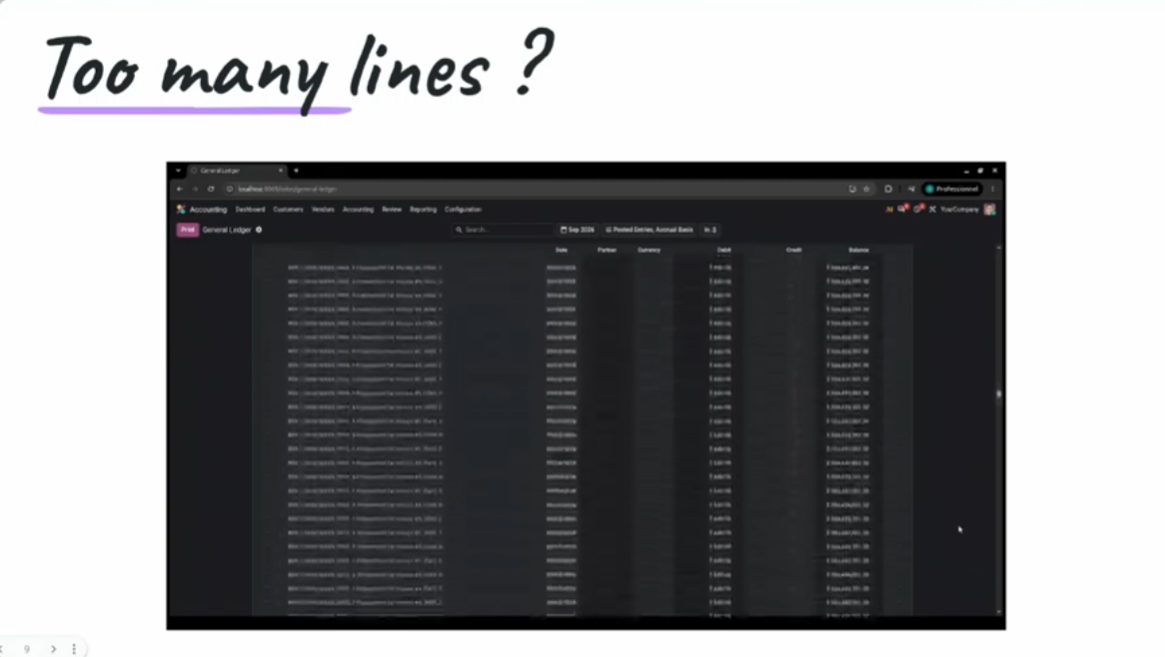
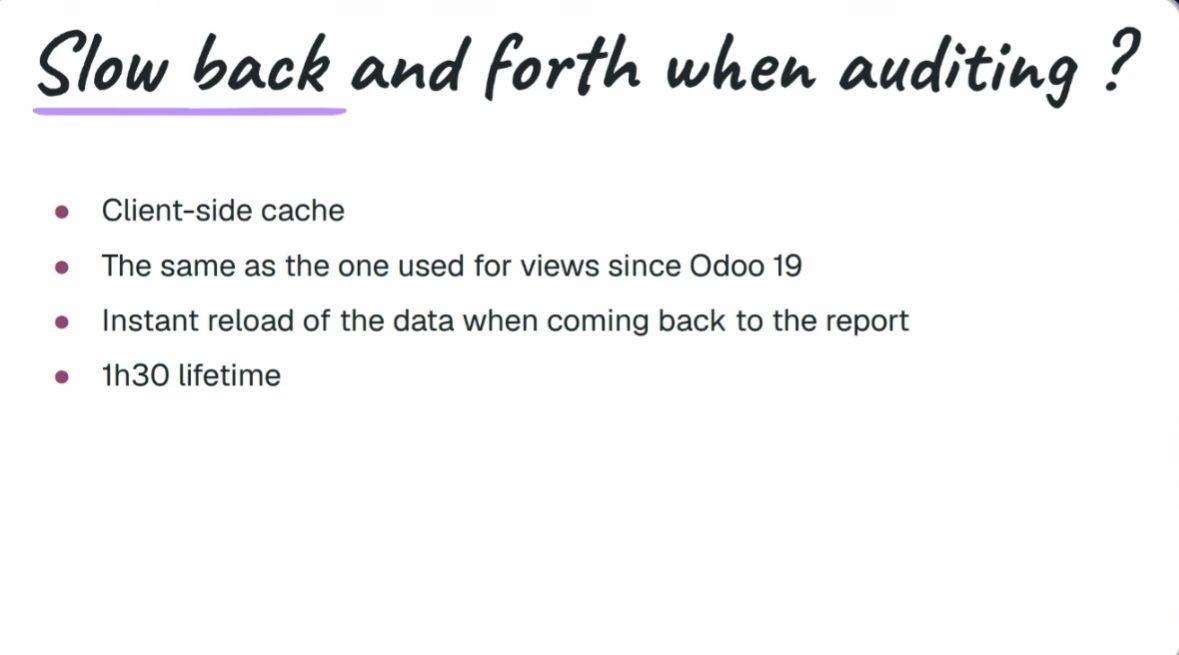
Speed and memory: Odoo drops the dictionaries of 19 and moves to data objects. In the demo, a user report went from 2.5 s to 0.2 s. It affects audit, balances, ledgers and journals. Session figures, not a Contaldia database.
Dictionaries → data objects. Menos líneas, menos memoria, más rapidez.
Odoo 19: 2.50 seconds. Misma consulta de la demo.
Odoo 20: 0.20 seconds. Cifras de la sesión Reporting.
Resumen de la sesión: 2,5 s en 19, 0,2 s en 20.
La memoria del mismo informe: 4,5 GB en 19 frente a 1,6 GB en 20 (diapositiva de la sesión).
Odoo 19: ~4.5 GB en la demo.
Odoo 20: ~1.6 GB en la misma consulta.
There are snapshots of a report: computed once and reopened without hitting the whole journal again. And line grouping (by journal, by tag, by whatever you ask) goes further than in 19.
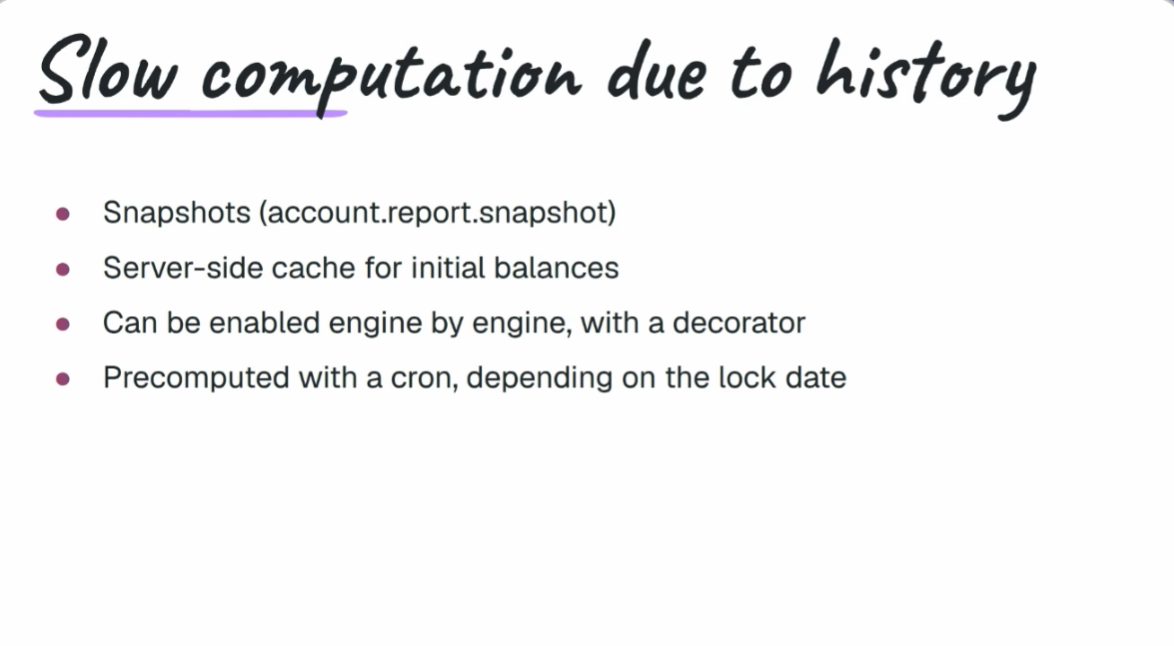
Snapshot list on a report. Reporting session, OX 2026.
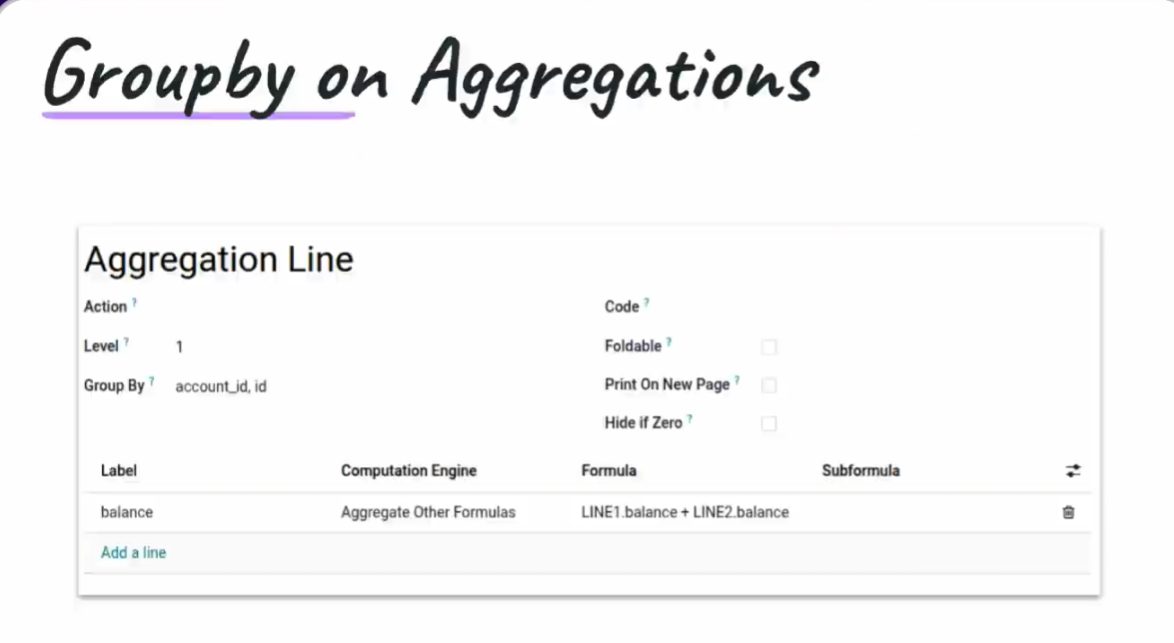
Group by on the report, with more options than in 19.
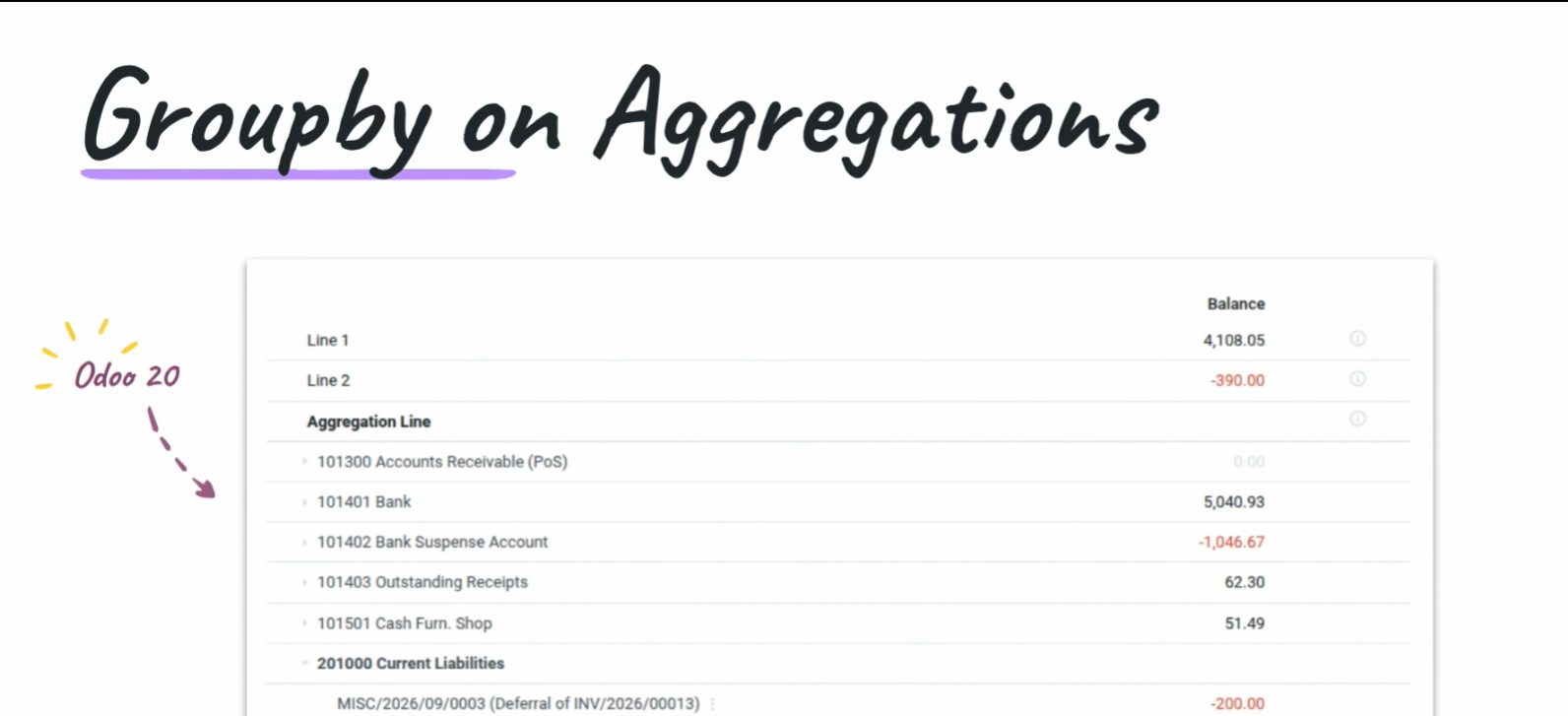
El mismo informe, agrupado. Menos ruido para auditar.
How we will look at this
Contaldia has been running Odoo since 2009. On 1 October, at 16:00, the online updates course: which of this touches closing, the 303 and the bank in Spain, and what is worth waiting for before upgrading a production database.
On 29 October, from 12:00 to 14:00, the full Spanish accounting course on Odoo 20.
Sources: Reporting, Bank synchronization and Hidden gems sessions at Odoo Experience 2026 (Brussels); Contaldia notes. As of 24 Sep 2026 Odoo had not yet published the formal 20 release notes on odoo.com. What only appears in partner blogs we leave as rumour. The figure “49 AI features” does not appear in these sessions: we do not use it.
1 October · 16:00 · online
Odoo 20 updates live. Limited seats. Free for the first 100.